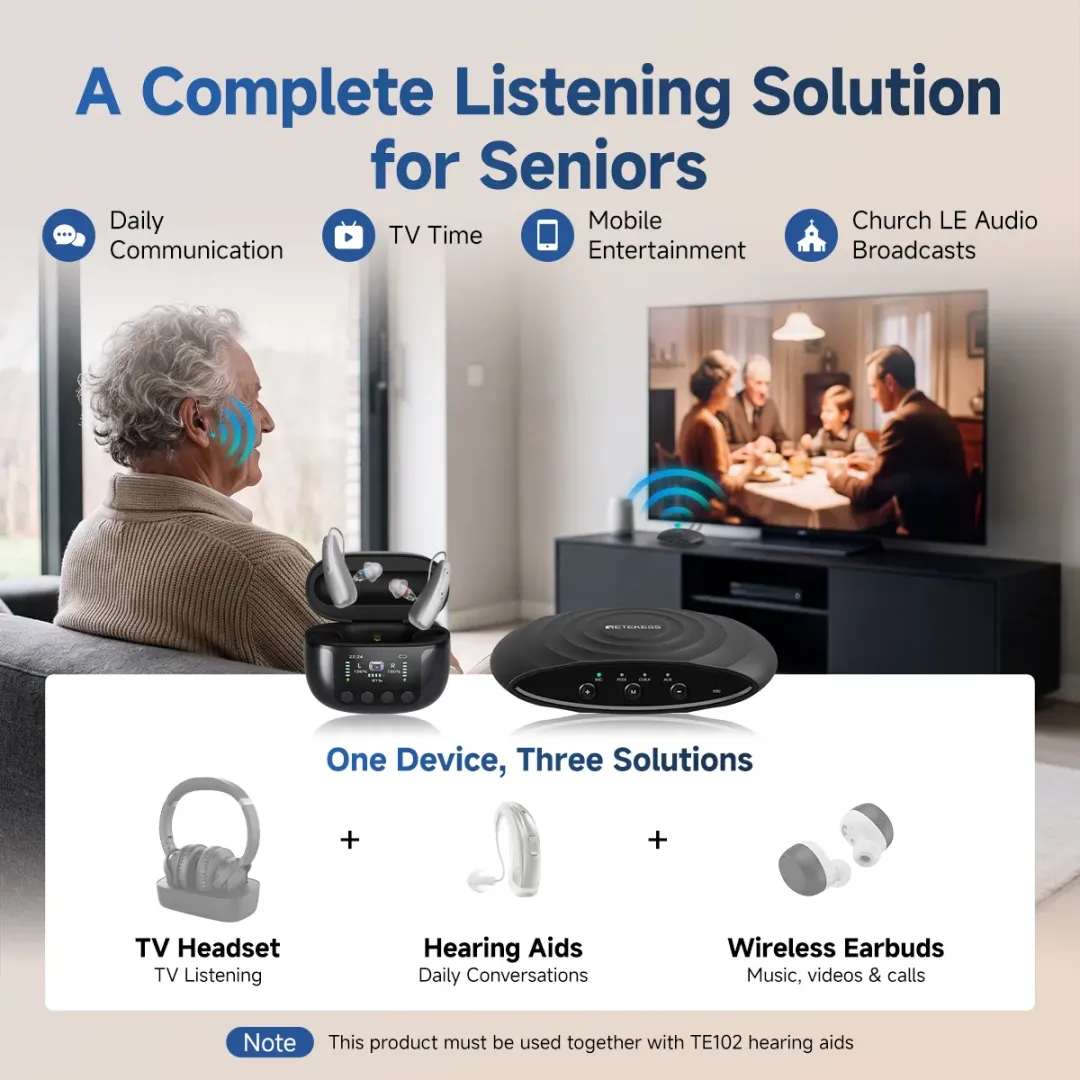
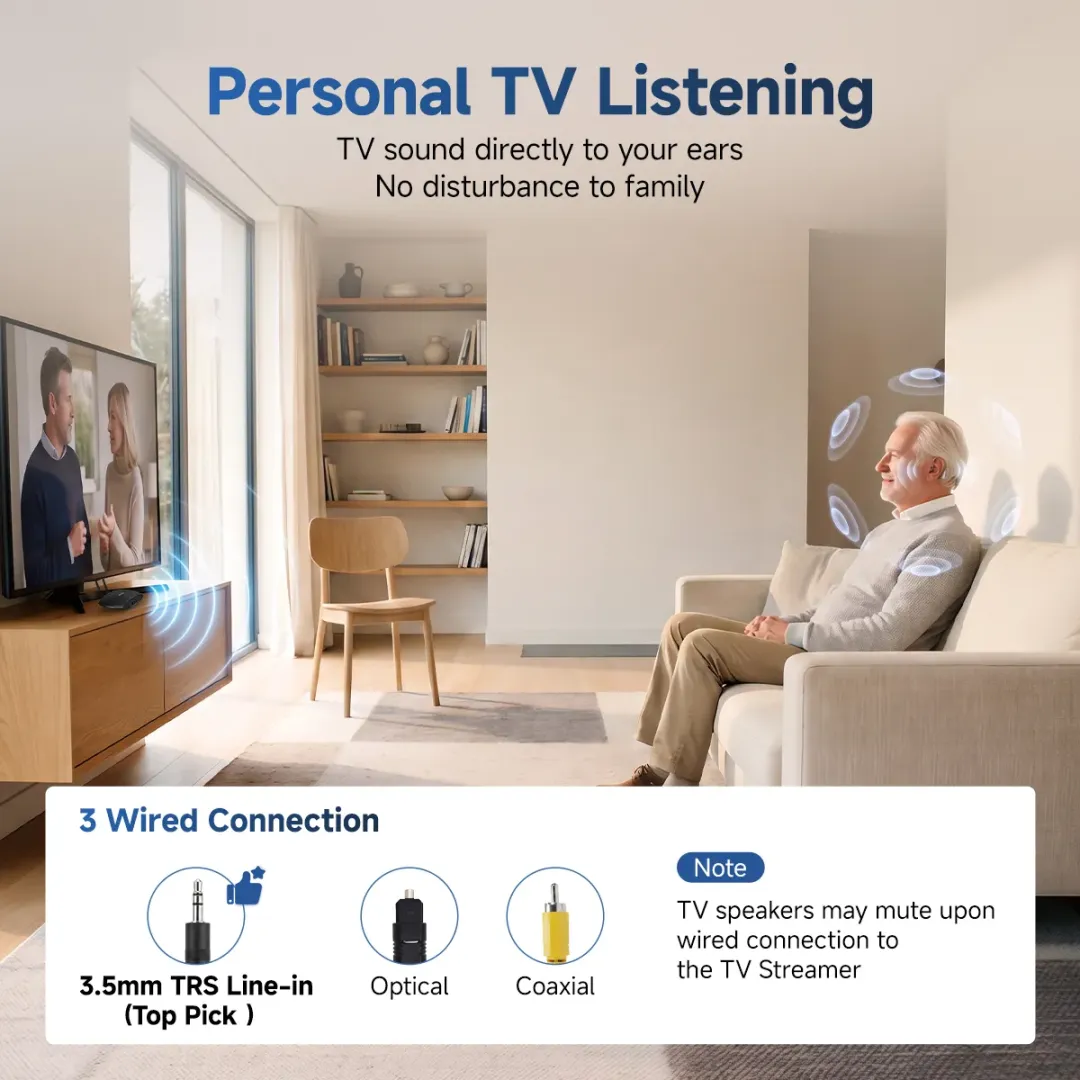

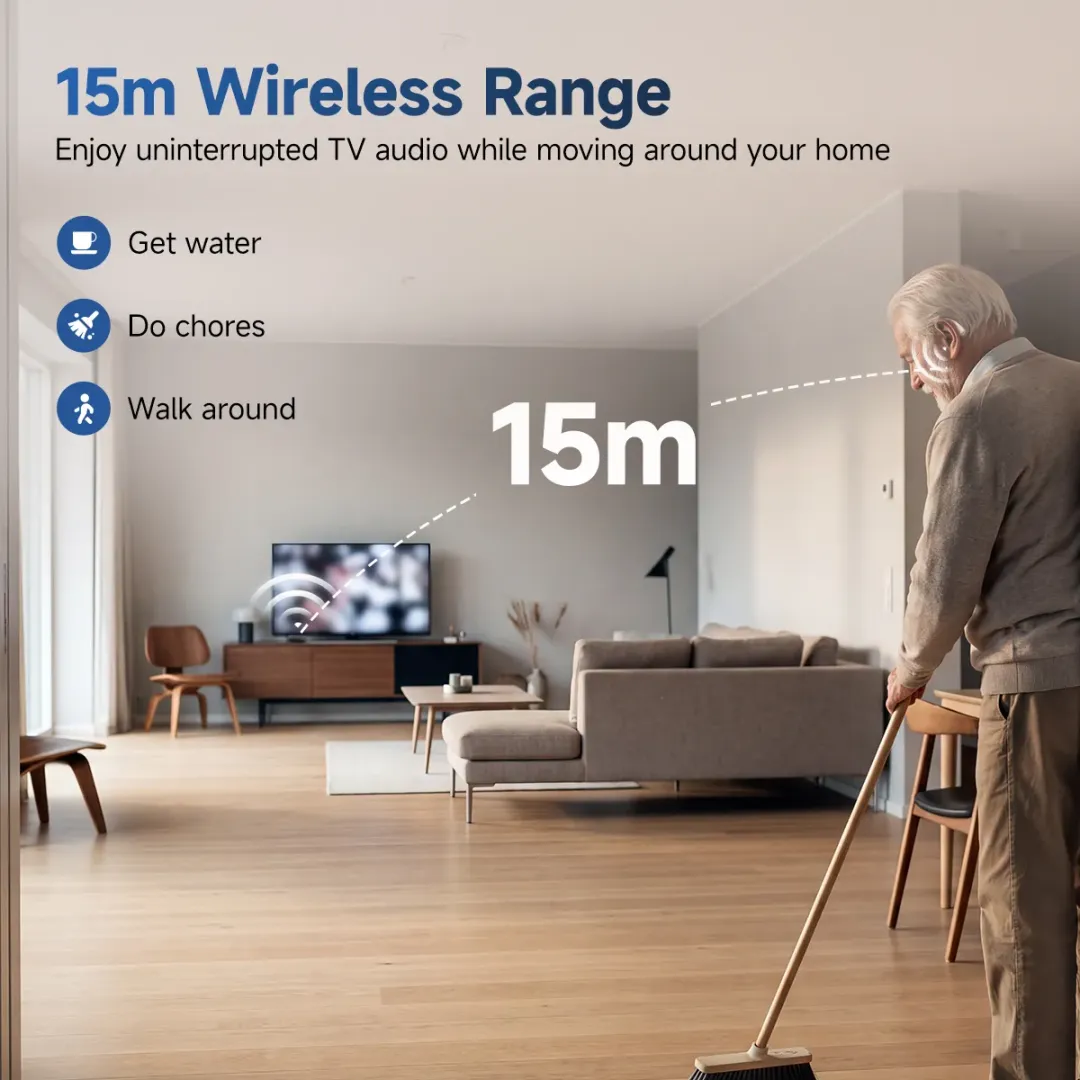
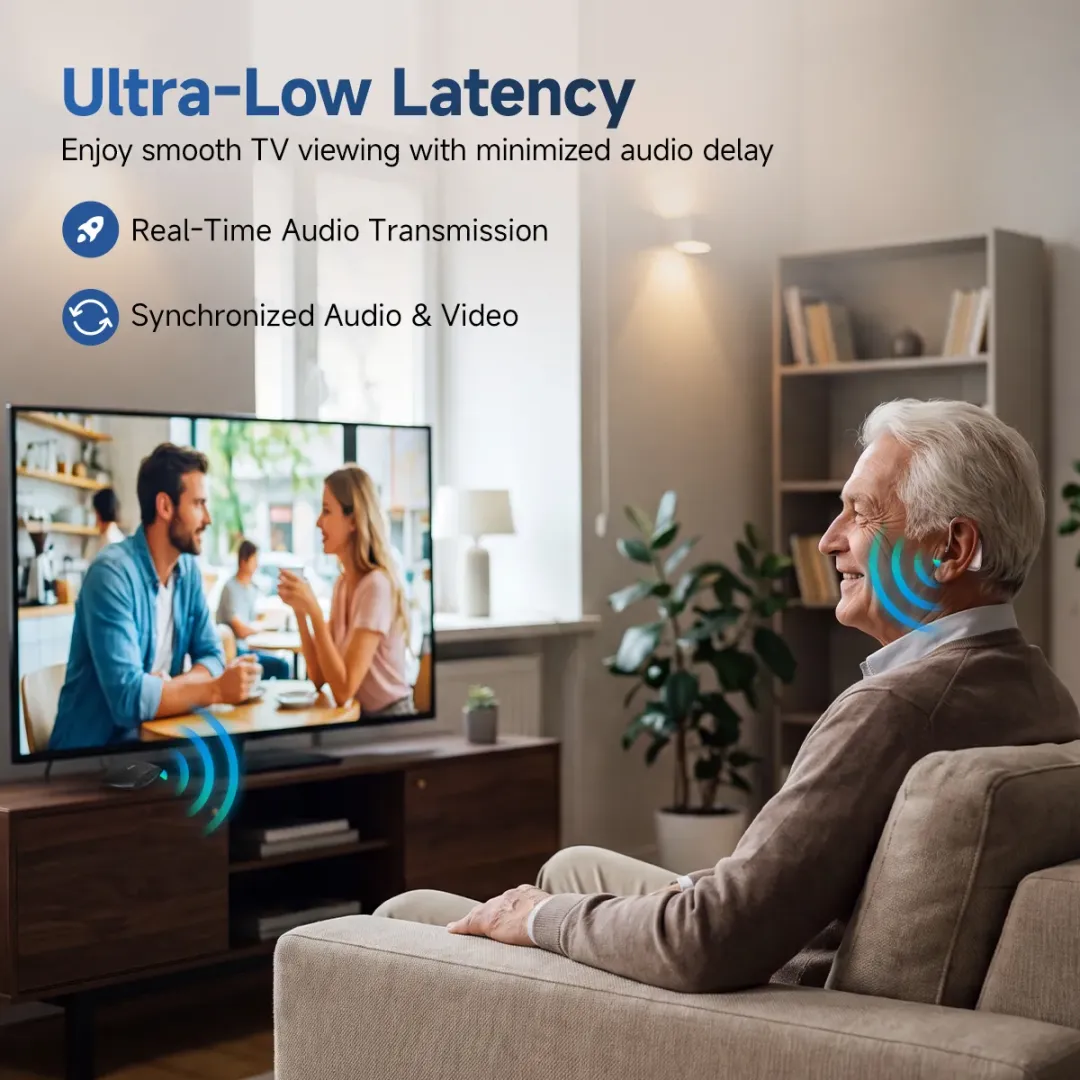
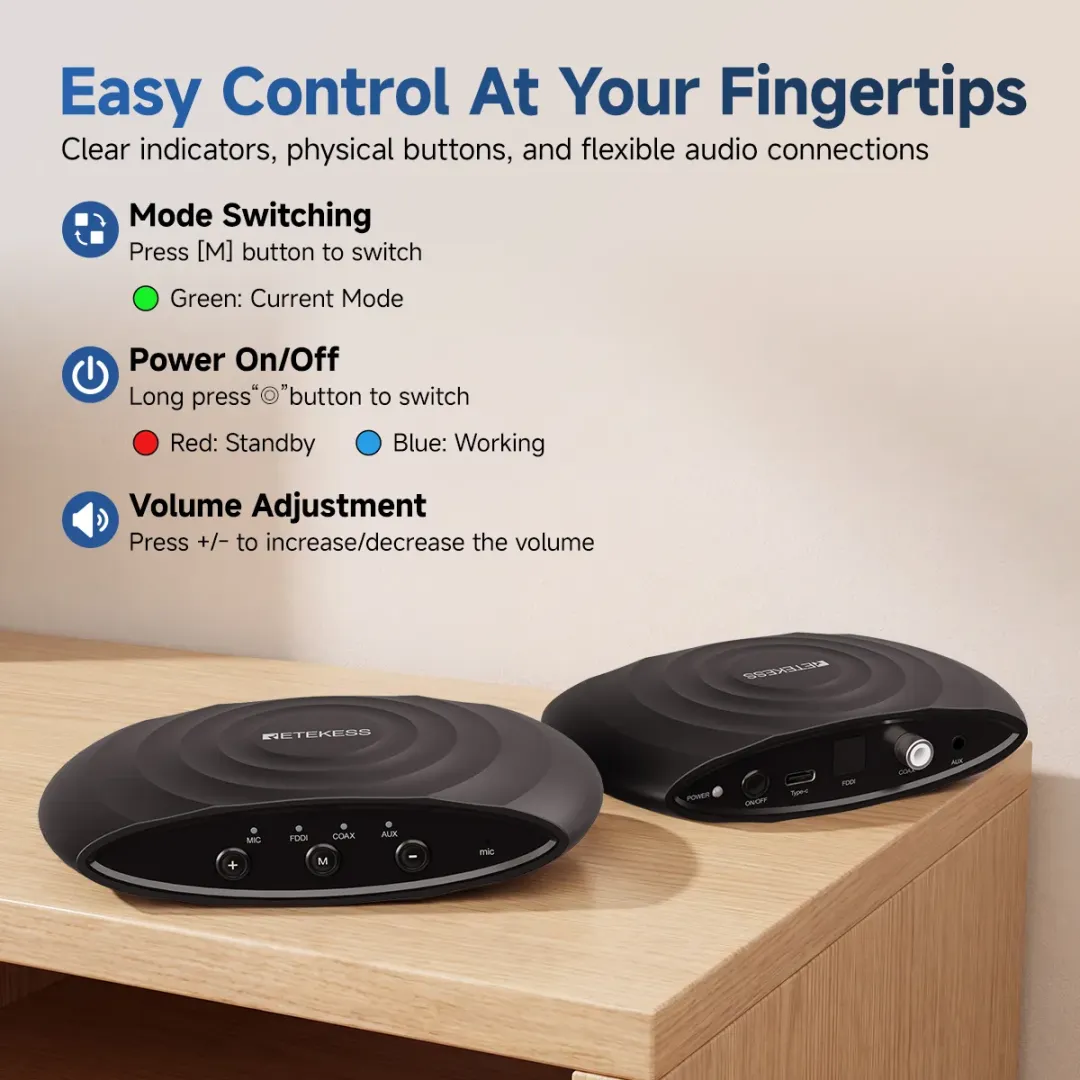
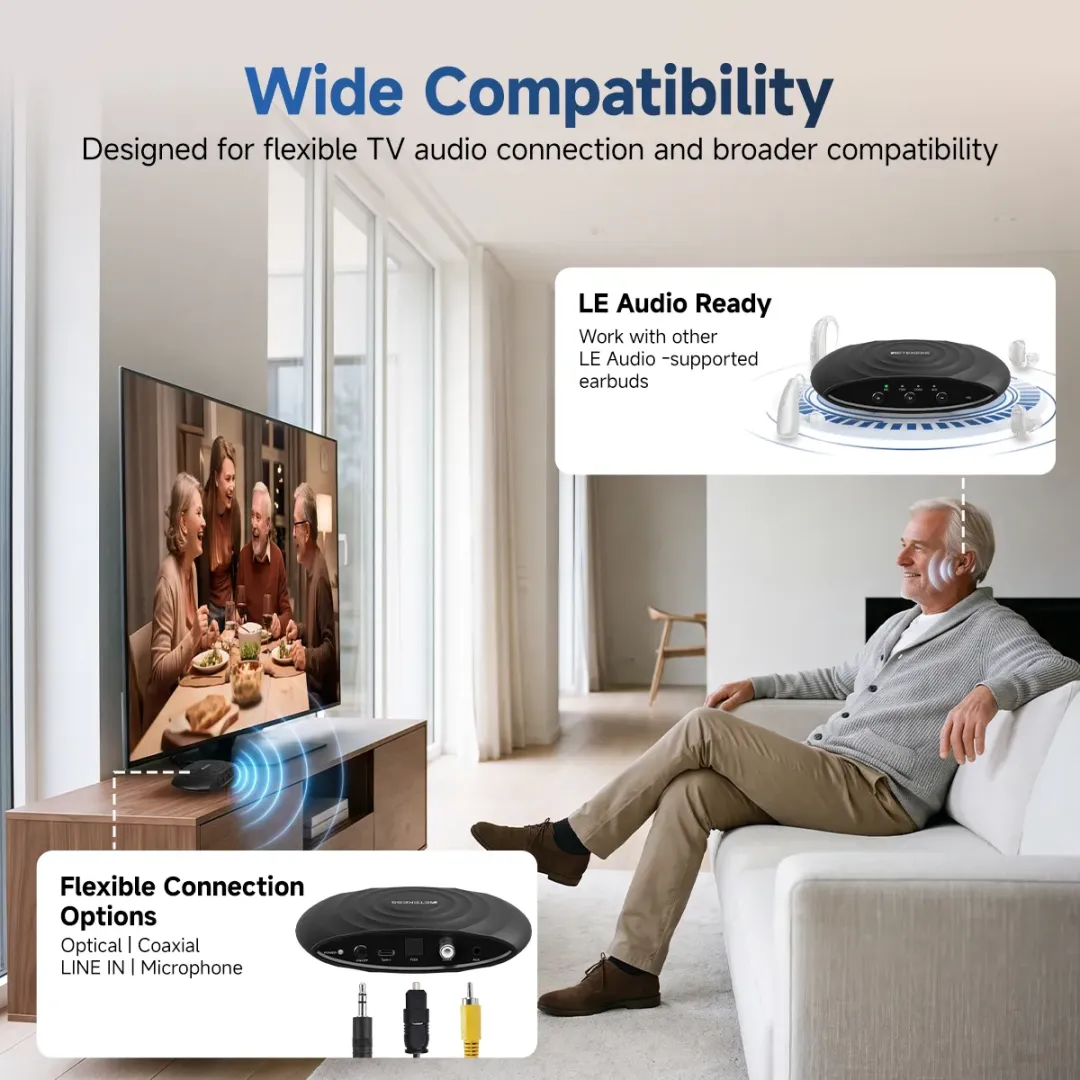


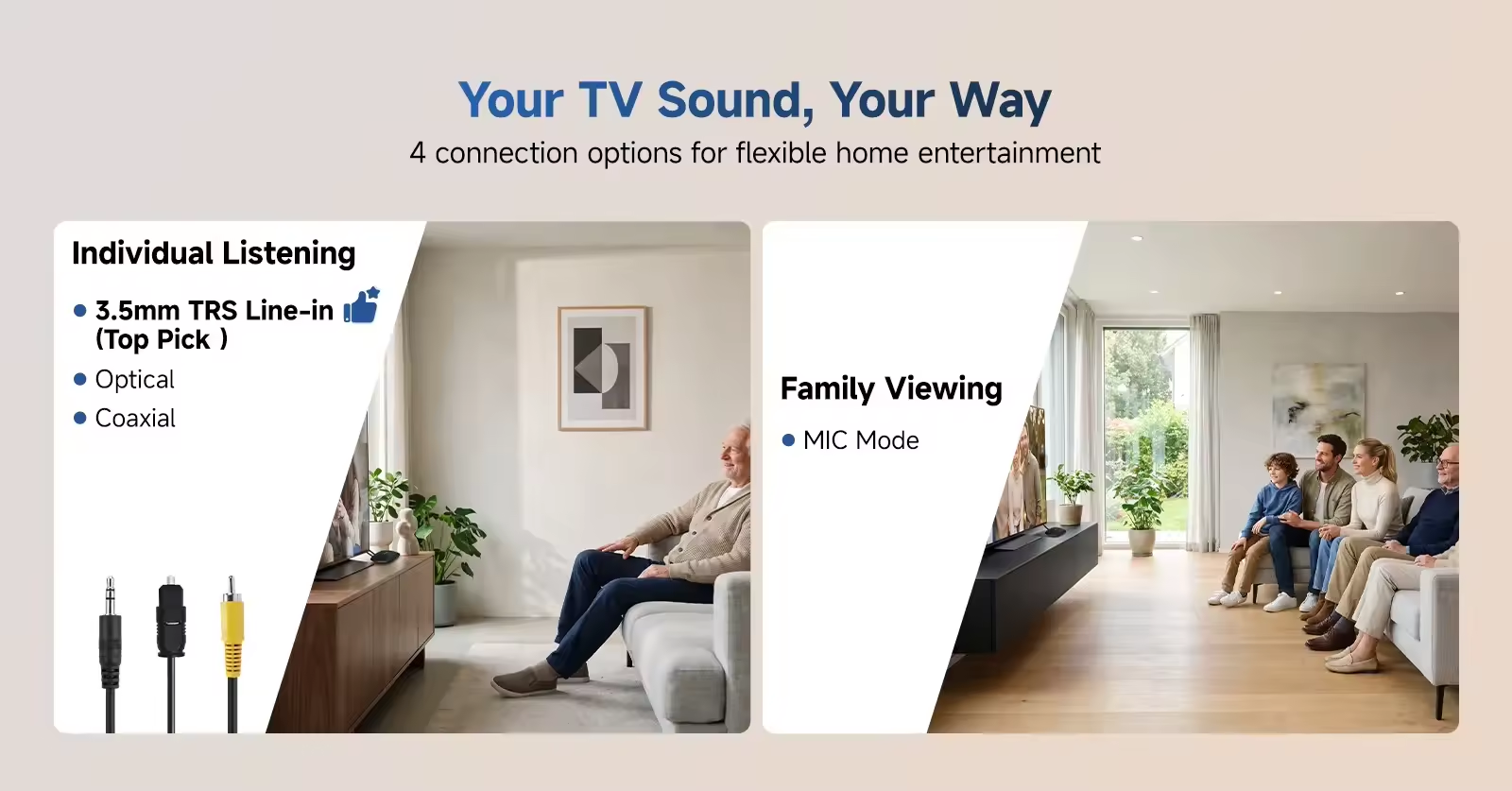
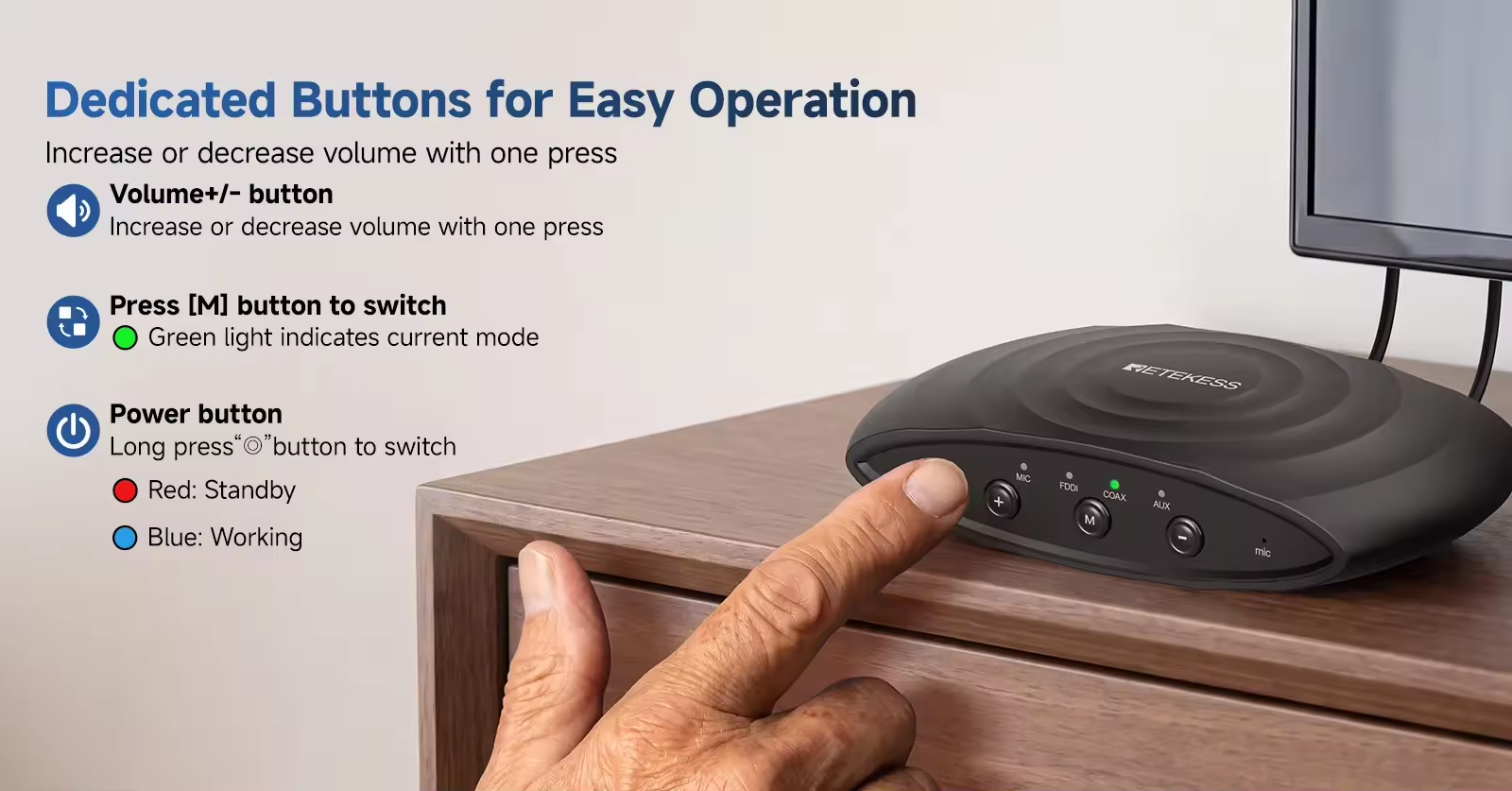
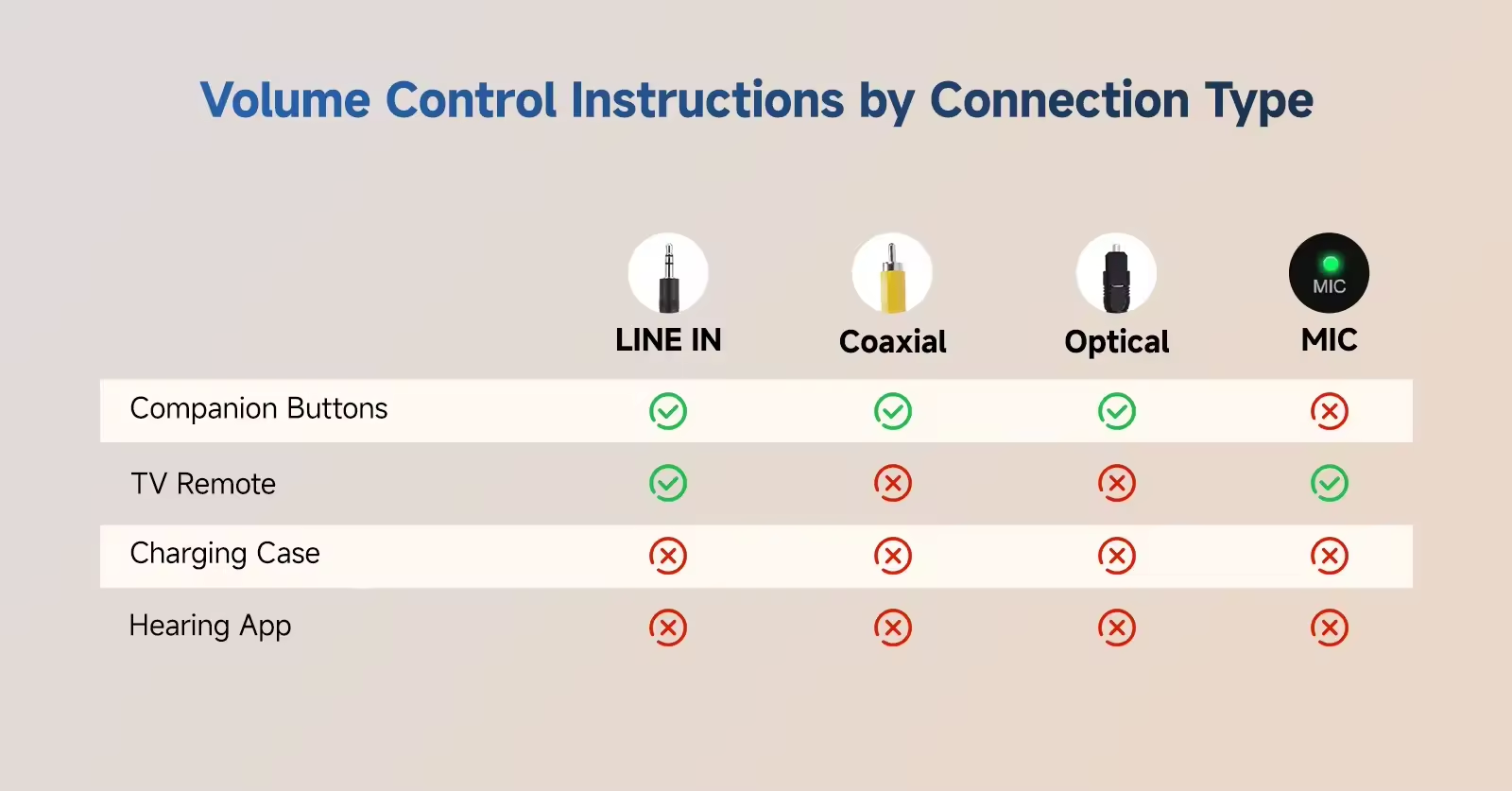
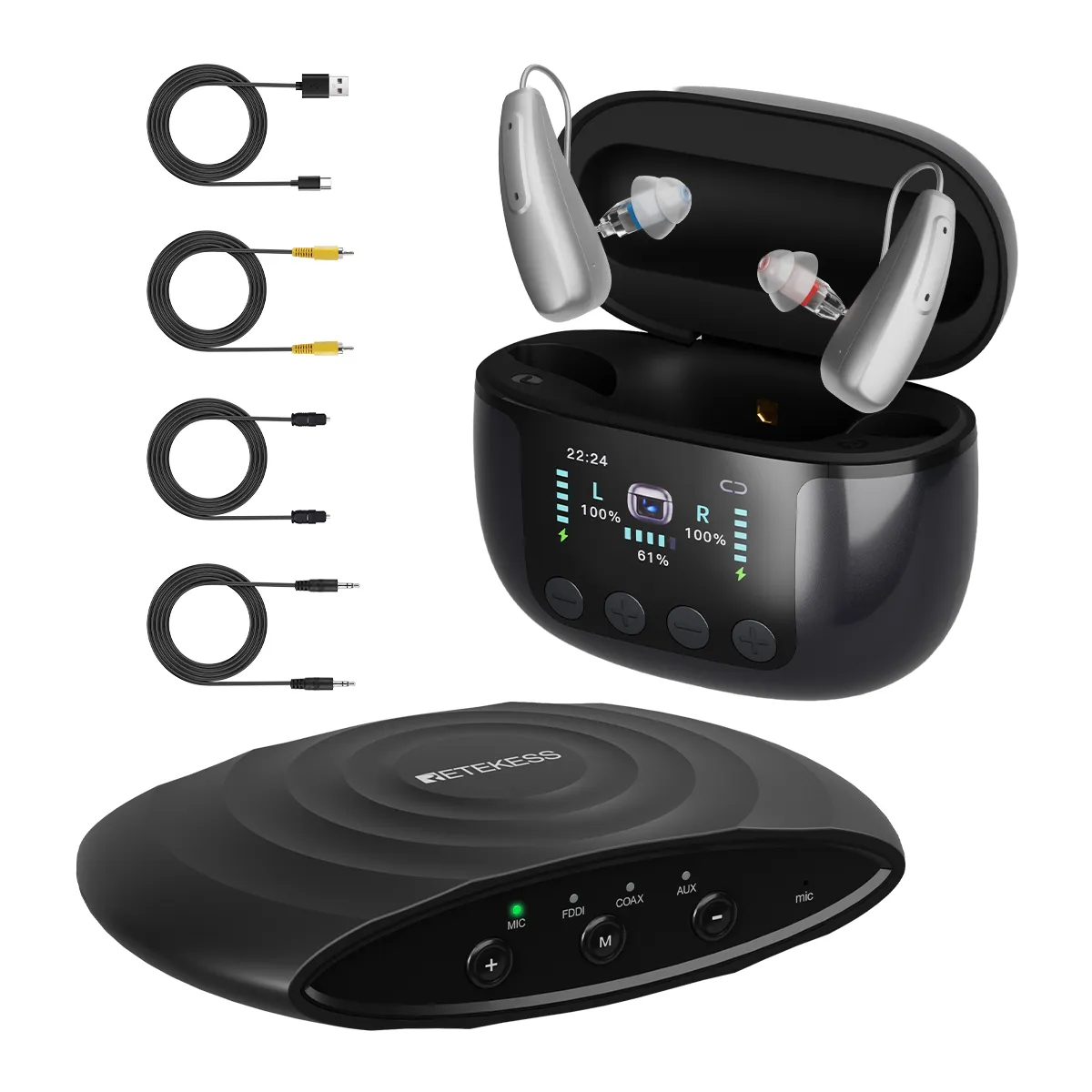
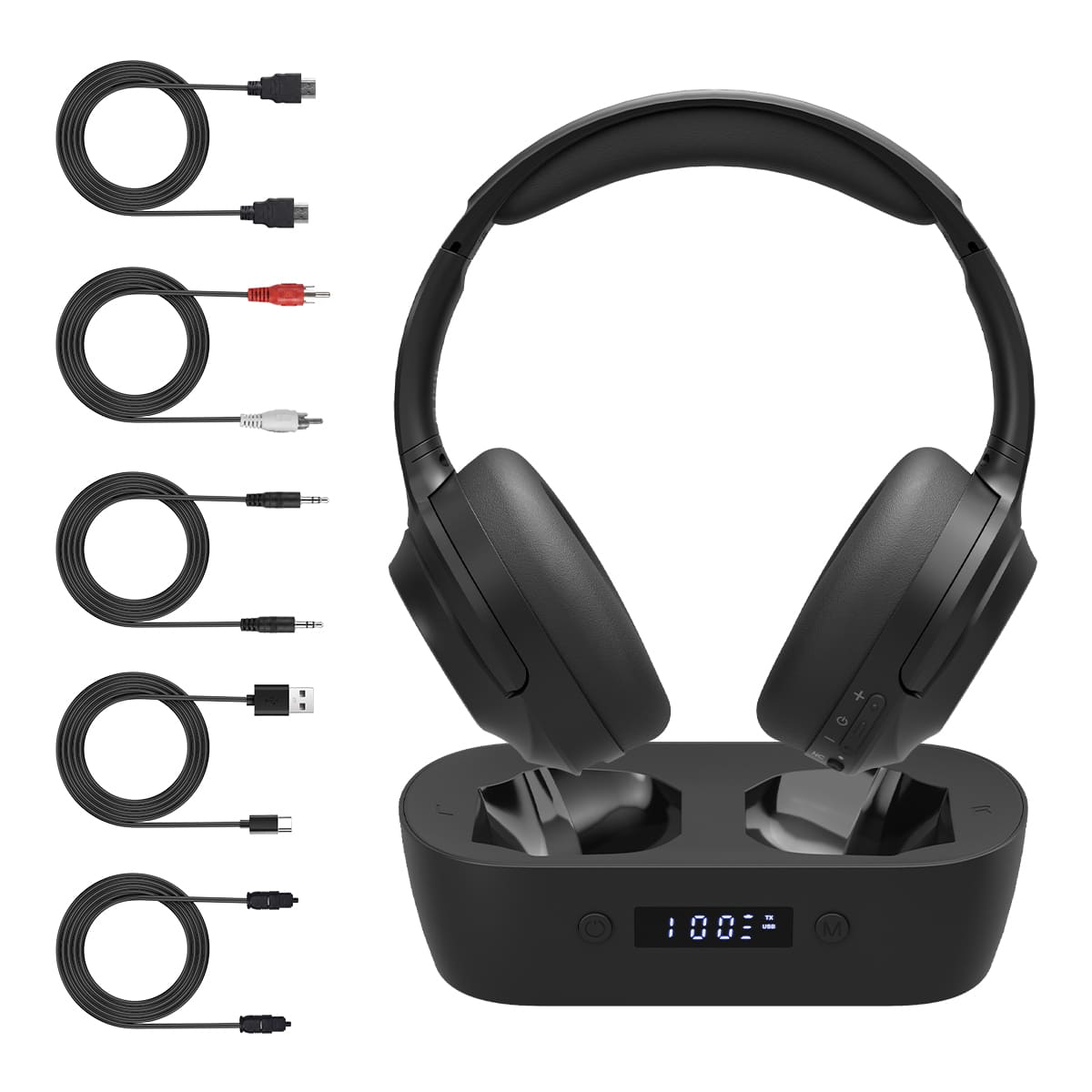
Supports four input modes: MIC, Coaxial, Optical, and LINE IN. It utilizes Bluetooth 5.3 and a MEMS omnidirectional microphone for audio pickup (range: approx. 1 meter). The connection range between the TV companion and the hearing aids extends up to 15 meters in open environments. Users can freely switch between the four modes using the "M" button on the device. As with most microphones, the volume for the "MIC" pickup mode cannot be adjusted; however, the volume for the other three modes can be controlled using the volume up/down buttons.
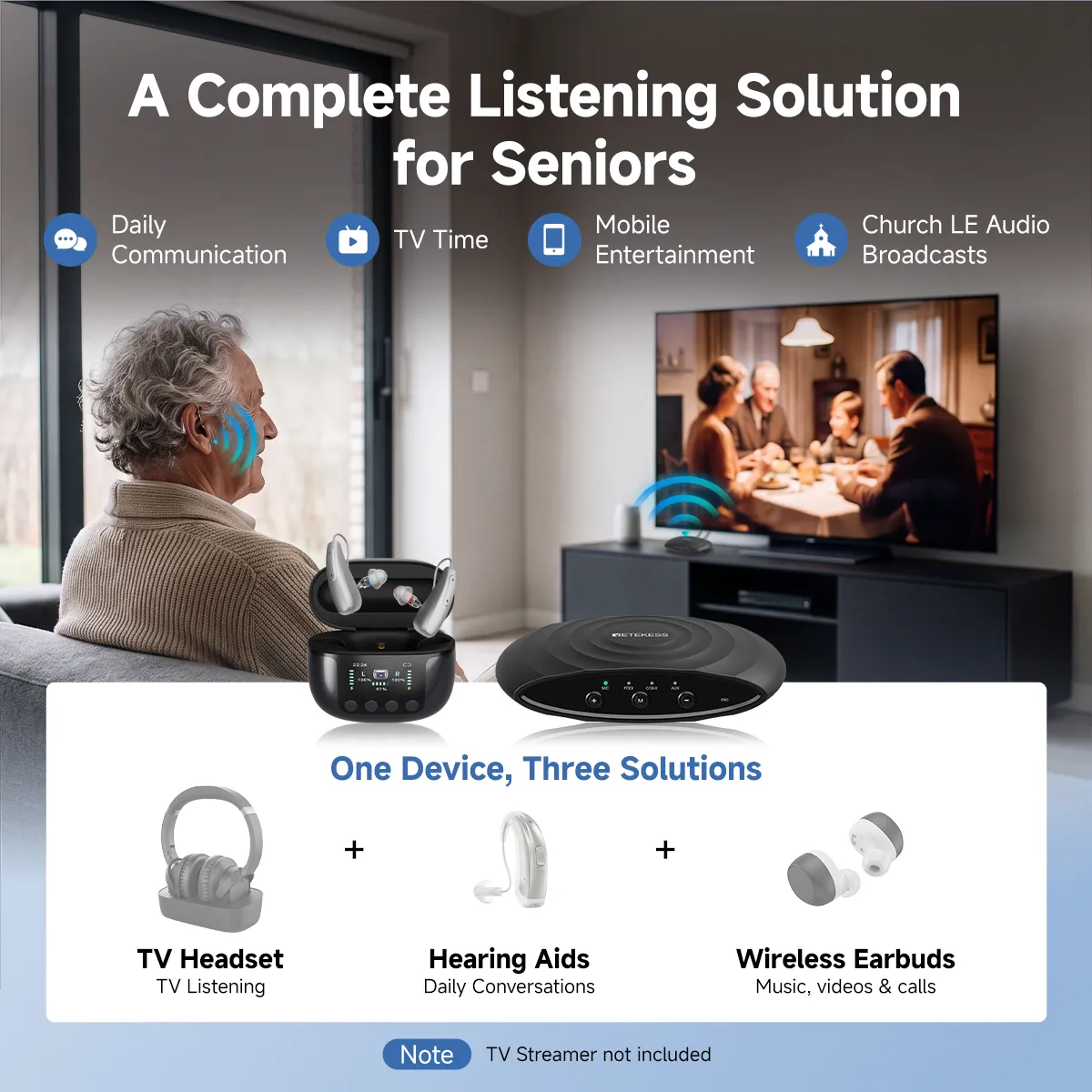
Note: The TV connector utilizes Auracast technology and is compatible with any headphones or hearing aids that feature Auracast reception capabilities.
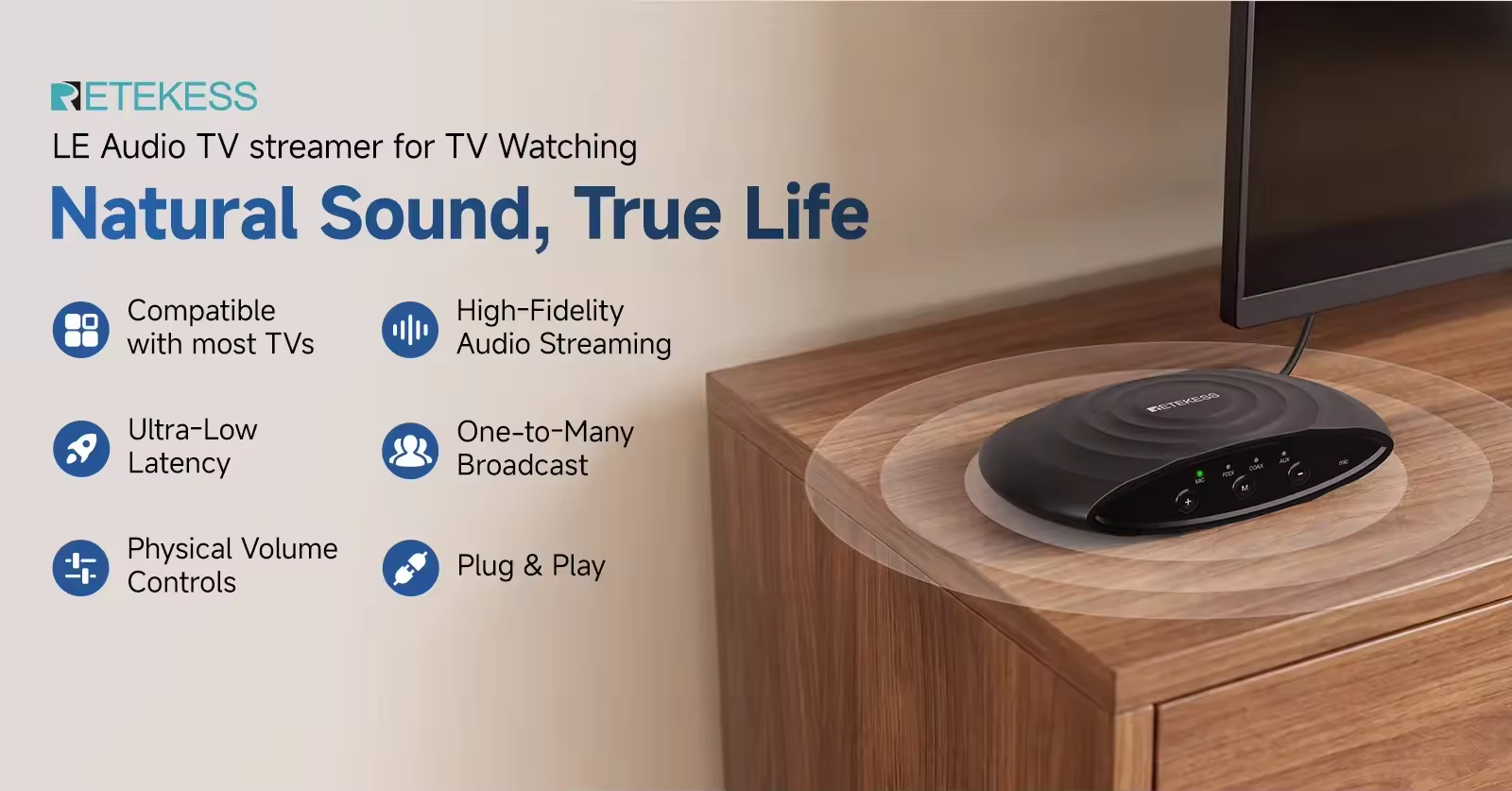
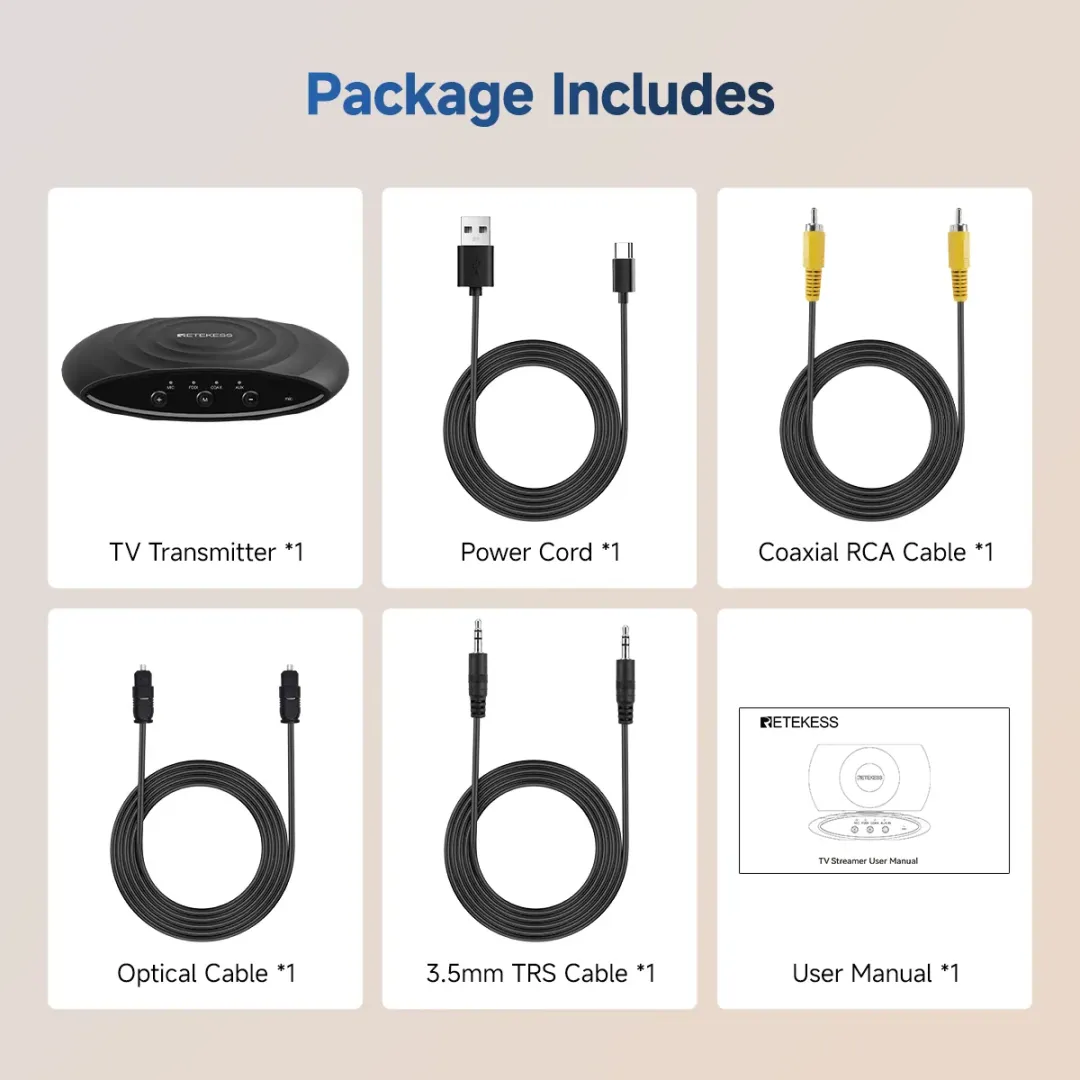
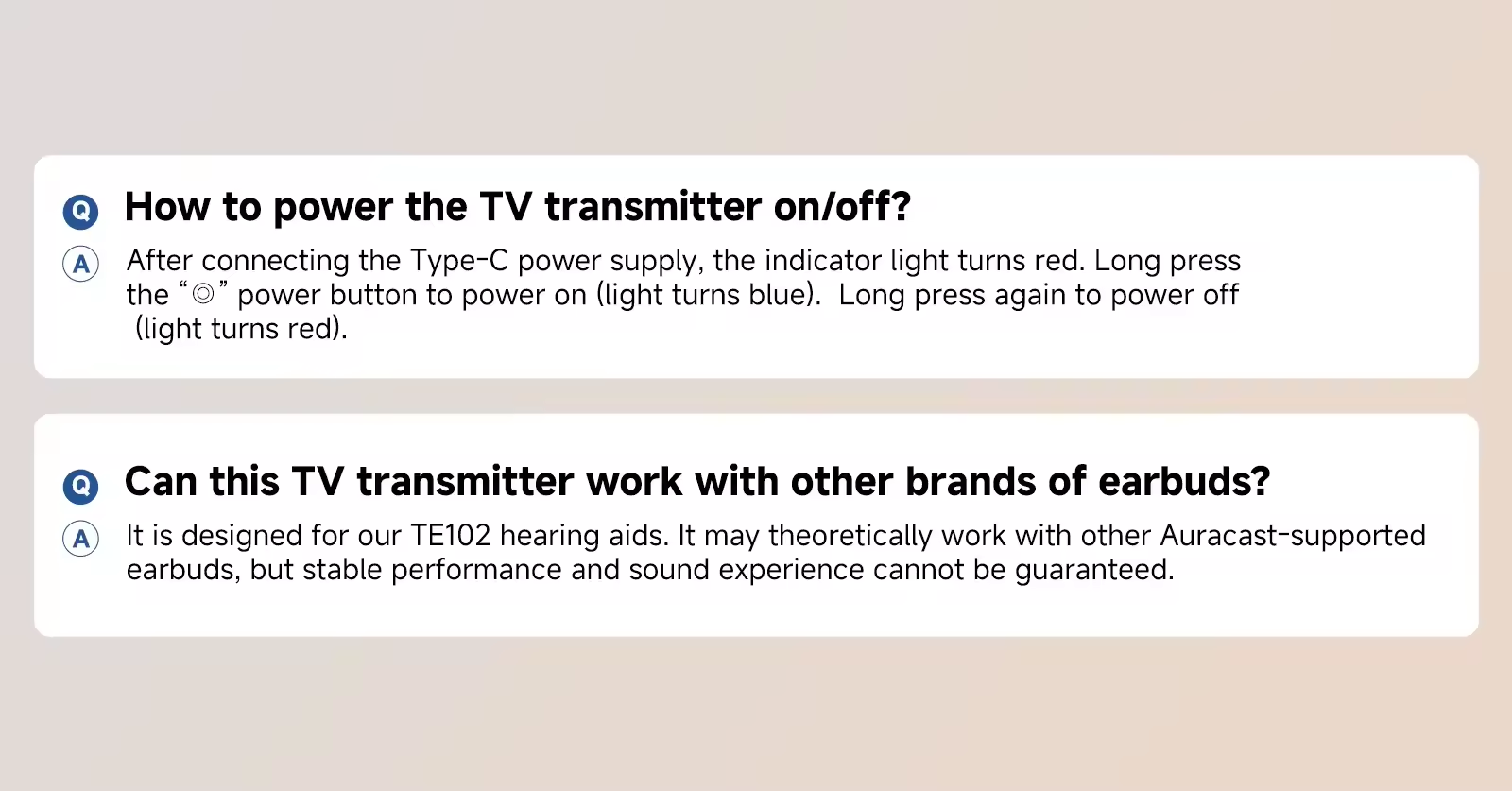
First, connect the TV Companion to a power source via the Type-C port and press and hold the power button to turn it on. Turn on the TE102 hearing aids and switch them to "Movie Mode" by pressing and holding either "+" button on the bottom of the charging case for 3 seconds; release the button after hearing the "Movie Scene" prompt. The hearing aids will automatically search for the broadcast signal for 5 minutes and emit a "beep-beep-beep" tone once the signal is received.
If the TV Companion is not detected within 5 minutes, place the hearing aids back into the charging case and then remove them again to restart the search process.
If the TV Companion is turned off, loses power, or goes out of range, the TE102 hearing aids will automatically disconnect, emit a "beep-beep" tone, and revert to their standard daily hearing aid function.
If you wish to have audio output from the TV speakers while connected to the TV Companion, locate and enable the "Simultaneous Audio Output" function in your TV's [Sound/Audio Settings] menu (Note: specific menu paths and names vary by TV brand and model; please refer to your TV's user manual for details).
Once connected, if the TV is turned off or enters sleep mode, the TV Companion will continue to broadcast a silent signal, meaning no sound will be heard through the hearing aids. To resume normal hearing aid function, please turn off the TV Companion or disconnect it from the power source.
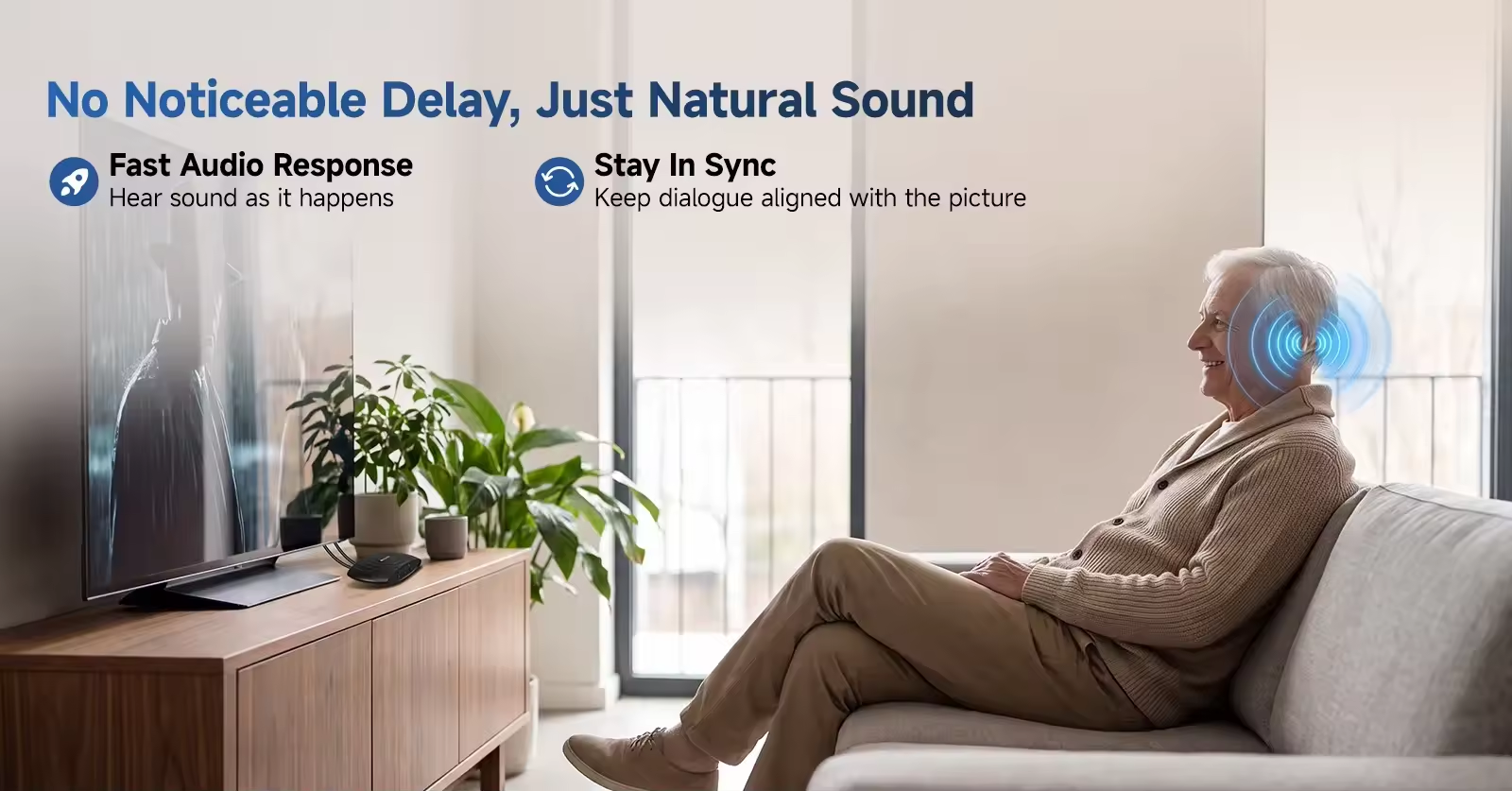

Supports four input modes: MIC, Coaxial, Optical, and LINE IN. It utilizes Bluetooth 5.3 and a MEMS omnidirectional microphone for audio pickup (range: approx. 1 meter). The connection range between the TV companion and the hearing aids extends up to 15 meters in open environments. Users can freely switch between the four modes using the "M" button on the device. As with most microphones, the volume for the "MIC" pickup mode cannot be adjusted; however, the volume for the other three modes can be controlled using the volume up/down buttons.
Note: The TV connector utilizes Auracast technology and is compatible with any headphones or hearing aids that feature Auracast reception capabilities.
First, connect the TV Companion to a power source via the Type-C port and press and hold the power button to turn it on. Turn on the TE102 hearing aids and switch them to "Movie Mode" by pressing and holding either "+" button on the bottom of the charging case for 3 seconds; release the button after hearing the "Movie Scene" prompt. The hearing aids will automatically search for the broadcast signal for 5 minutes and emit a "beep-beep-beep" tone once the signal is received.
If the TV Companion is not detected within 5 minutes, place the hearing aids back into the charging case and then remove them again to restart the search process.
If the TV Companion is turned off, loses power, or goes out of range, the TE102 hearing aids will automatically disconnect, emit a "beep-beep" tone, and revert to their standard daily hearing aid function.
If you wish to have audio output from the TV speakers while connected to the TV Companion, locate and enable the "Simultaneous Audio Output" function in your TV's [Sound/Audio Settings] menu (Note: specific menu paths and names vary by TV brand and model; please refer to your TV's user manual for details).
Once connected, if the TV is turned off or enters sleep mode, the TV Companion will continue to broadcast a silent signal, meaning no sound will be heard through the hearing aids. To resume normal hearing aid function, please turn off the TV Companion or disconnect it from the power source.
RETEKESS serves over 150K businesses with wireless communication.







 Google
 Amazon