
Blog Detail
Table of Contents
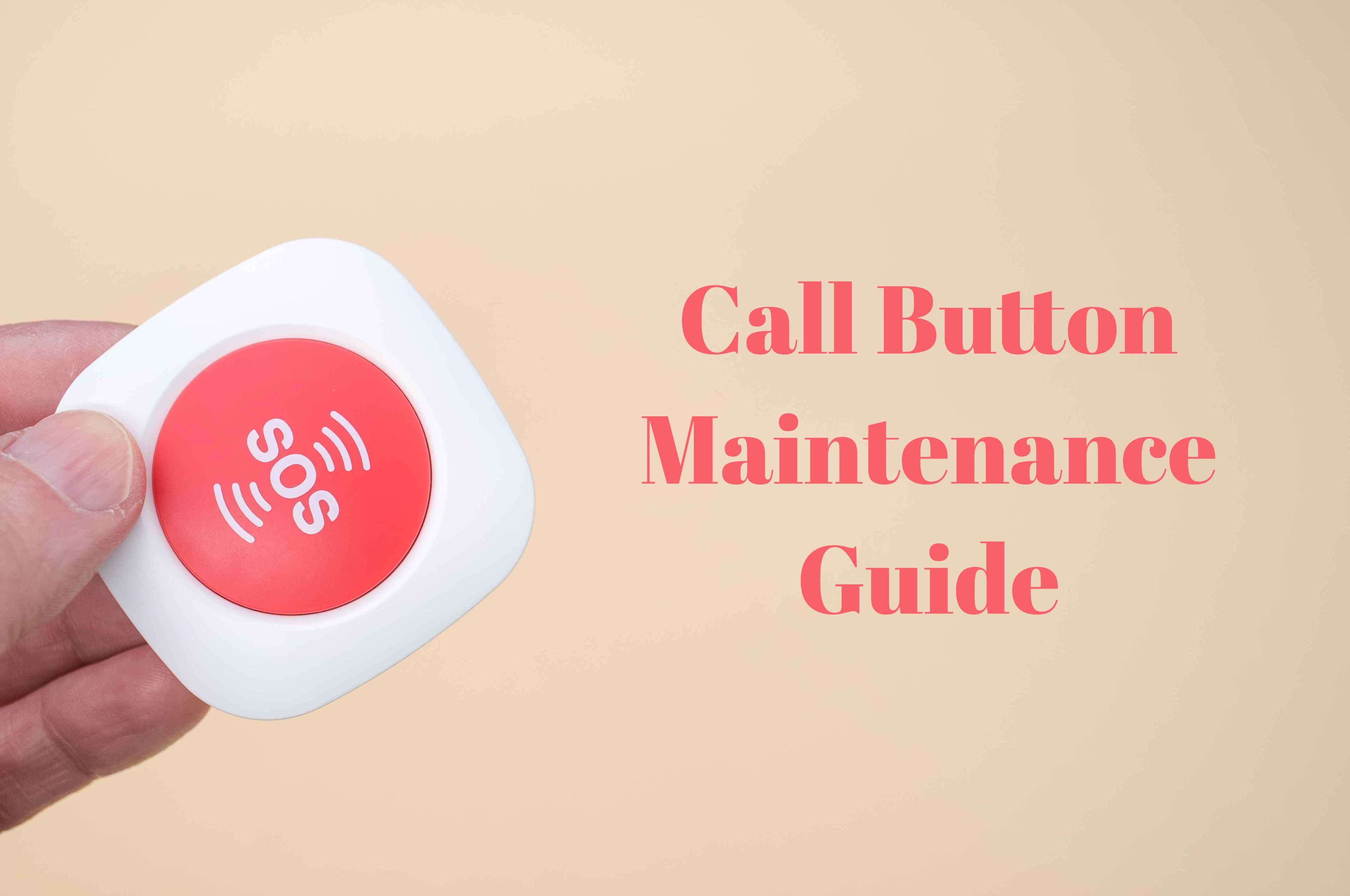
Call Button Maintenance Guide: Ensuring Reliable Service Alerts Every Time
- Retekess
- Dec 10, 2025
- 0 Comments
Regular maintenance of your call button system—whether in healthcare, hospitality, or retail—is essential for preventing failures and ensuring a quick, professional response. A simple button press should instantly and silently alert the right staff, from notifying a nurse to signaling a server. Neglecting basic care can lead to missed calls, frustrated customers, or critical safety delays. This manual provides clear steps for routine upkeep, troubleshooting common issues, and knowing when to call a professional.
Part 1: Routine Care You Can Perform (User Maintenance)
These simple tasks, performed regularly, form the foundation of a reliable system.
1. Cleaning & Physical Inspection
-
Exterior Cleaning: Gently wipe call buttons, pagers, and receivers with a soft, slightly damp cloth. Avoid harsh chemicals, solvents, or excessive moisture. Never submerge devices, even those labeled water-resistant.
-
Interior Care: If a button becomes unresponsive due to grime, a professional can clean internal contacts with isopropyl alcohol. Avoid unauthorized disassembly.
-
Physical Check: Regularly inspect for damage: cracks in housings, frayed cords (especially on nurse call leads or pull cords), and ensure wall-mounted units are secure.
2. Battery Management (The Most Common Task)
Most wireless systems rely on batteries for critical untethered operation.
-
Call Buttons: These often use a 12V 23A battery (the small cylindrical type). Replace it when the signal LED dims or the range decreases.
-
Pagers/Receivers: These typically use AAA batteries. Replace them when alerts become quiet or intermittent.
-
Procedure: Open the battery compartment carefully (sometimes requiring a small screwdriver). Observe correct polarity (+/-). Re-pair the device with its receiver if needed after replacement.
3. Simple Functional Testing
-
Weekly Test: Press each call button to verify it triggers an immediate, clear alert on the intended pager or central station.
-
Range Test: Periodically test the system at its maximum intended use distance to ensure signal strength is adequate.
Part 2: Troubleshooting Common Problems
Before calling for service, try these steps:
| Symptom | Possible Cause | Quick Action |
|---|---|---|
| Button not working | Dead battery, out of range, unpaired. | 1. Replace battery. 2. Move closer to receiver. 3. Re-pair device (see manual). |
| Receiver no sound/low volume | Low battery, volume setting, loose connection. | 1. Check/replace batteries. 2. Adjust volume wheel. 3. Ensure it's powered on/plugged in. |
| False alarms | Interference, accidental presses. | 1. Re-pair devices. 2. Move away from other electronics. 3. Adjust button placement. |
Safety & Best Practices
-
Do Not Modify: Never attempt unauthorized repairs or internal modifications.
-
Right Environment: Store and use devices in a cool, dry place. Avoid extreme heat, direct sun, and corrosive substances.
-
Documentation: Keep a simple log of battery changes, tests, and any issues to spot trends.
-
Know Your Manual: Keep the manufacturer's guide accessible for model-specific instructions.
Conclusion: The Value of Reliability
A well-maintained call button system is an invisible asset. It builds trust—patients feel safer, guests receive better service, and staff operate more efficiently. Investing a few minutes in routine care, combined with scheduled professional service, prevents costly downtime and ensures that help is always just a button press away.
Need expert advice, genuine spare parts, or a professional system check?
👉 Contact Our Support Team for a Refreshingly Different Approach












Comments (0)