
Table of Contents
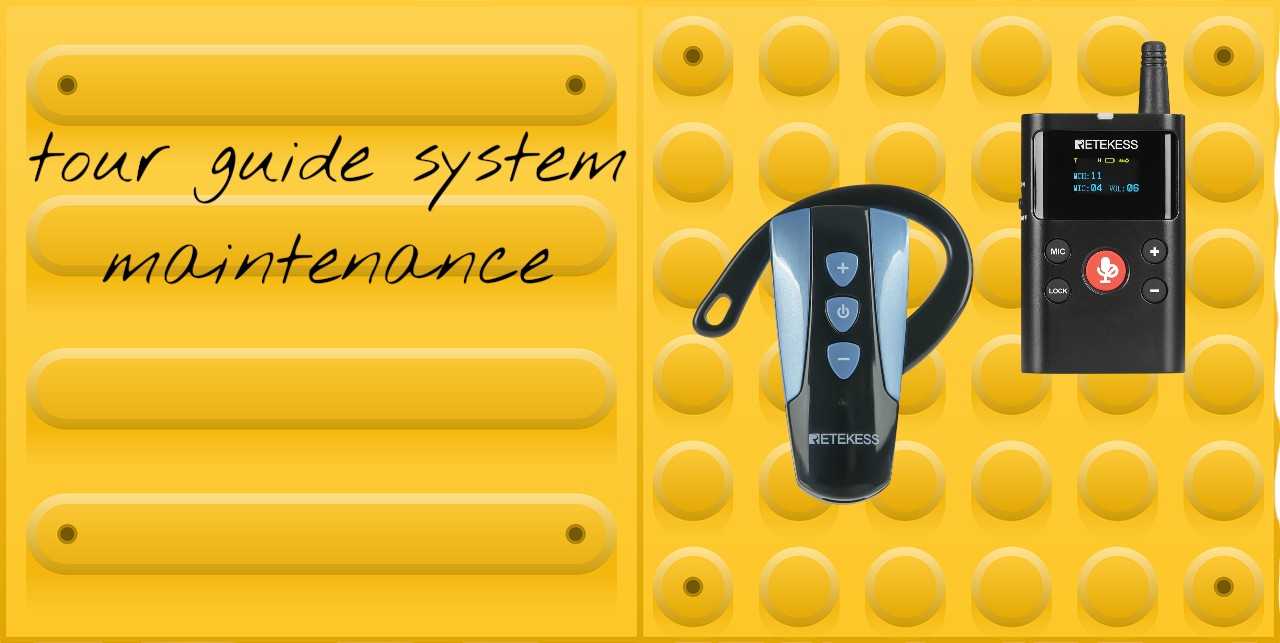
The Essential Guide to Tour Guide System Maintenance: Keep Your Tours Flawless
- Retekess
- Dec 11, 2025
A wireless tour guide system is the lifeline of any successful tour, factory visit, or large-scale event. But like any essential piece of technology, its reliability is directly tied to how well it's cared for. Regular maintenance isn't just about fixing problems—it's about preventing them, ensuring crystal-clear audio for every guest, protecting your investment, and maintaining a professional reputation.
This comprehensive guide breaks down the simple yet crucial routines that will extend the life of your equipment and guarantee a seamless experience, tour after tour.
Part 1: The Core Pillars of Routine Maintenance
Think of maintenance in three key areas: hygiene, power, and hardware.
1. Cleaning & Hygiene: More Than Just Looks
Your devices are handled by multiple people daily, making cleaning vital for both hygiene and function.
The Right Way: Use a soft, slightly damp cloth with a mild detergent. Never spray cleaner directly onto the device, as liquid can seep into ports and damage internal components.
Headphones & Earpieces: Disposable foam covers are ideal for hygiene. For reusable headsets, gently wipe down ear cushions with a disinfectant wipe suitable for electronics.
Lanyards & Straps: Many are machine washable. A clean lanyard improves the user experience significantly.
Avoid: Abrasive cloths, alcohol-based cleaners on displays, or submerging any part of the system.
2. Battery Care: The Heart of Wireless Freedom
Poor battery management is the leading cause of tour-day failures.
Use Official Chargers: Always use the provided charging dock or cable. Unofficial chargers can damage batteries or cause slow charging.
Avoid "Continuous Charging": Don't leave devices plugged in indefinitely after they reach 100%. This stresses lithium-ion batteries and reduces their overall lifespan. A smart charging dock that cycles and maintains optimal charge is ideal.
Mind the Environment: Store and charge systems at room temperature. Avoid leaving them in hot cars or cold trunks for extended periods. If transporting in winter, let devices acclimatize before charging.
Storage Charge: If storing the system for a month or more, charge (or discharge) the batteries to 40-60% before storing in a cool, dry place.
3. Physical Inspection & Component Check
A quick visual check can catch small issues before they ruin a tour.
Cables & Connectors: Regularly inspect for fraying, bent pins, or loose connections on charging cables, audio cables, and antenna connections.
Housings & Buttons: Look for cracks or worn buttons. Many modern systems have modular designs, allowing easy replacement of these parts.
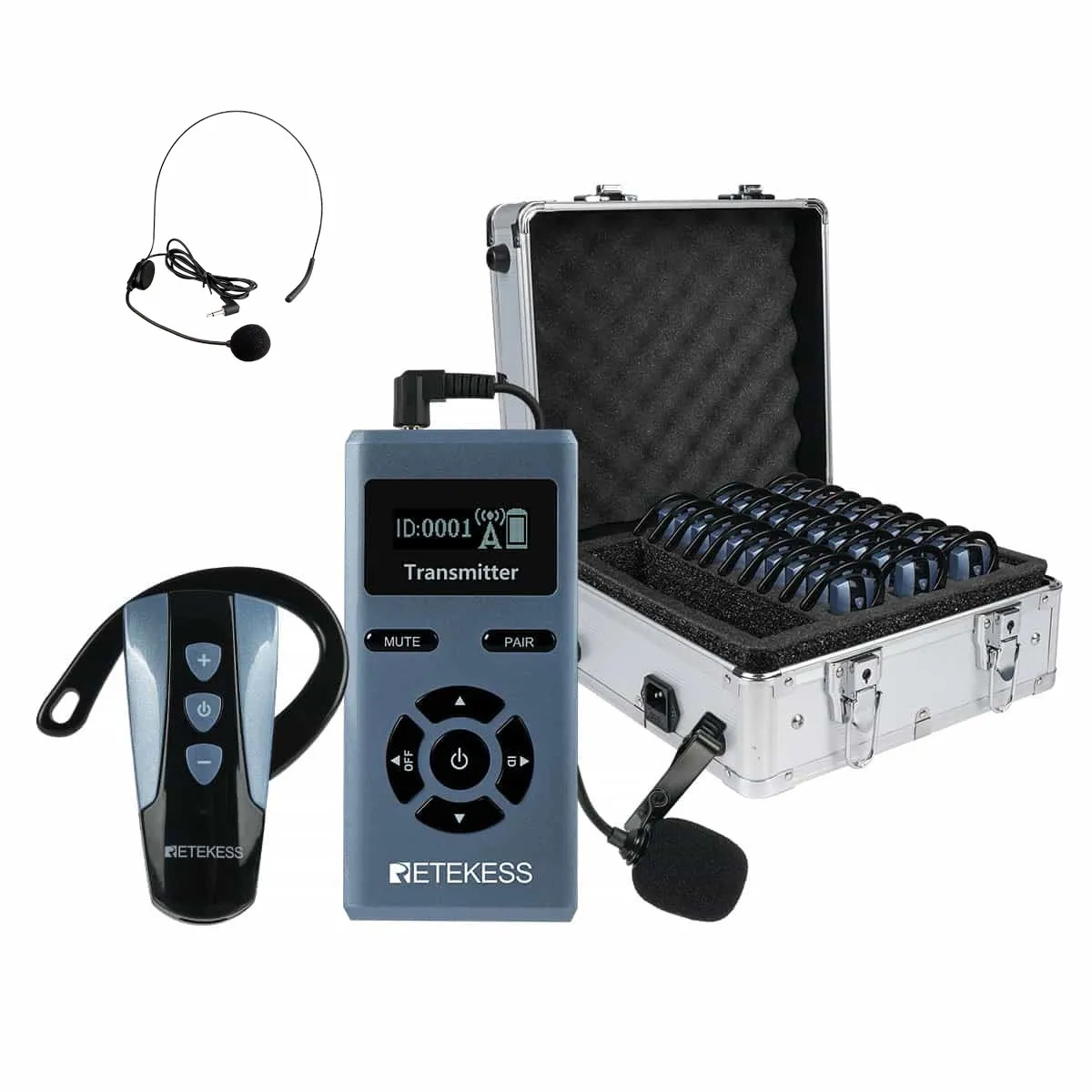
Microphone Windscreens: Check for dirt or damage and replace if necessary for clear audio.
Part 2: Troubleshooting Common Issues (The 5-Minute Pre-Tour Check)
Before every tour, run this quick checklist:
No Power/Short Battery Life: Are all devices charged? Did you use the correct charger?
No Sound: Is the transmitter and receiver on the same channel/group? Is the volume turned up on both devices? Is the microphone mute switch off?
Static or Interference: Are you near other strong radio sources (Wi-Fi routers, other tour groups)? Try switching to a different channel.
Weak Range or Dropouts: Ensure antennas are fully extended and undamaged. Remember, the effective range can be reduced by walls, metal structures, and large crowds.
Conclusion: Maintenance is an Investment, Not a Cost
A disciplined, simple maintenance routine takes minimal time but delivers maximum peace of mind. It saves money by avoiding premature replacements, protects your professional image by preventing tour disruptions, and contributes to sustainability by keeping electronics out of landfills.
Leave a Reply






![[18th Anniversary] 18 Years of Echoing Excellence: Making Communication Easier, Connecting Trust Beyond Borders](https://res.retekess.com/z_file/20260716/retekess-brand-story-making-communication-easier_20260716151044_7682.jpg)
![[18 Years in Wireless Communication] Silent Disco Systems Anniversary Celebration: Top-Selling Headphones & Event Mechanics Revealed!](https://res.retekess.com/z_file/20260713/18-years-in-wireless-communication-silent-disco-systems-anniversary-celebration_20260713175011_5749.webp)
![[Anniversary Carnival] Ding-dong! 18th Anniversary Mega Sale on Guest Paging & Calling Systems: Full Reveal of 12+ Products & Promo Rules!](https://res.retekess.com/z_file/20260713/18th-anniversary-mega-sale-on-guest-paging-calling-systems_20260713175257_0295.webp)
![[Retekess 18th Anniversary Teaser] Tour Guide System Exclusive Perks: Sneak Peek at Event Dates & Mechanics!](https://res.retekess.com/z_file/20260713/retekess-18th-anniversary-tour-guide-system-exclusive-perks--2-_20260713180135_6435.webp)
Follow Us
Pay With


 Google
 Amazon
Comments (0)