30 Day Refund • 3-Year Warranty

Table of Contents

5 Common Portable Translation Failures and How to Fix Them in 10 Minutes

5 Common Portable Translation Failures and How to Fix Them in 10 Minutes

A dropped signal, crosstalk, or a silent receiver can derail a live tour or bilingual meeting in seconds—but 80% of on-site issues don't require technical support or replacement gear. This practical troubleshooting guide covers the five most common portable translation and tour guide system failures, along with step-by-step 10-minute fixes and a pre-event maintenance checklist to keep your audio running smoothly.
  • Retekess
  • Nov 23, 2026

Portable translation equipment keeps tours, trade shows, factory visits, and bilingual meetings running — until it doesn’t. A dropped signal, garbled audio, or an unpaired receiver can derail a scheduled visit in seconds. The good news is that roughly 80% of on-site failures have simple, fast fixes that do not require technical support or replacement hardware.

This guide walks through the five most common failures in portable translation and tour guide systems, explains why they happen, and gives a step-by-step 10-minute fix for each one.

Failure 1: Channel Interference and Crosstalk

What it looks like: Listeners hear another guide’s voice, static, or a second language bleeding into their channel. One group’s translation leaks into another group’s receivers.

Why it happens: Most portable systems operate on shared frequency bands. When two nearby teams use the same or adjacent channels, signals overlap. This is especially common at large exhibition halls, multi-booth trade shows, and museum buildings with concrete walls that reflect radio signals. 2.4 GHz systems are also vulnerable to interference from Wi‑Fi routers and Bluetooth devices in the same space.

10-minute fix

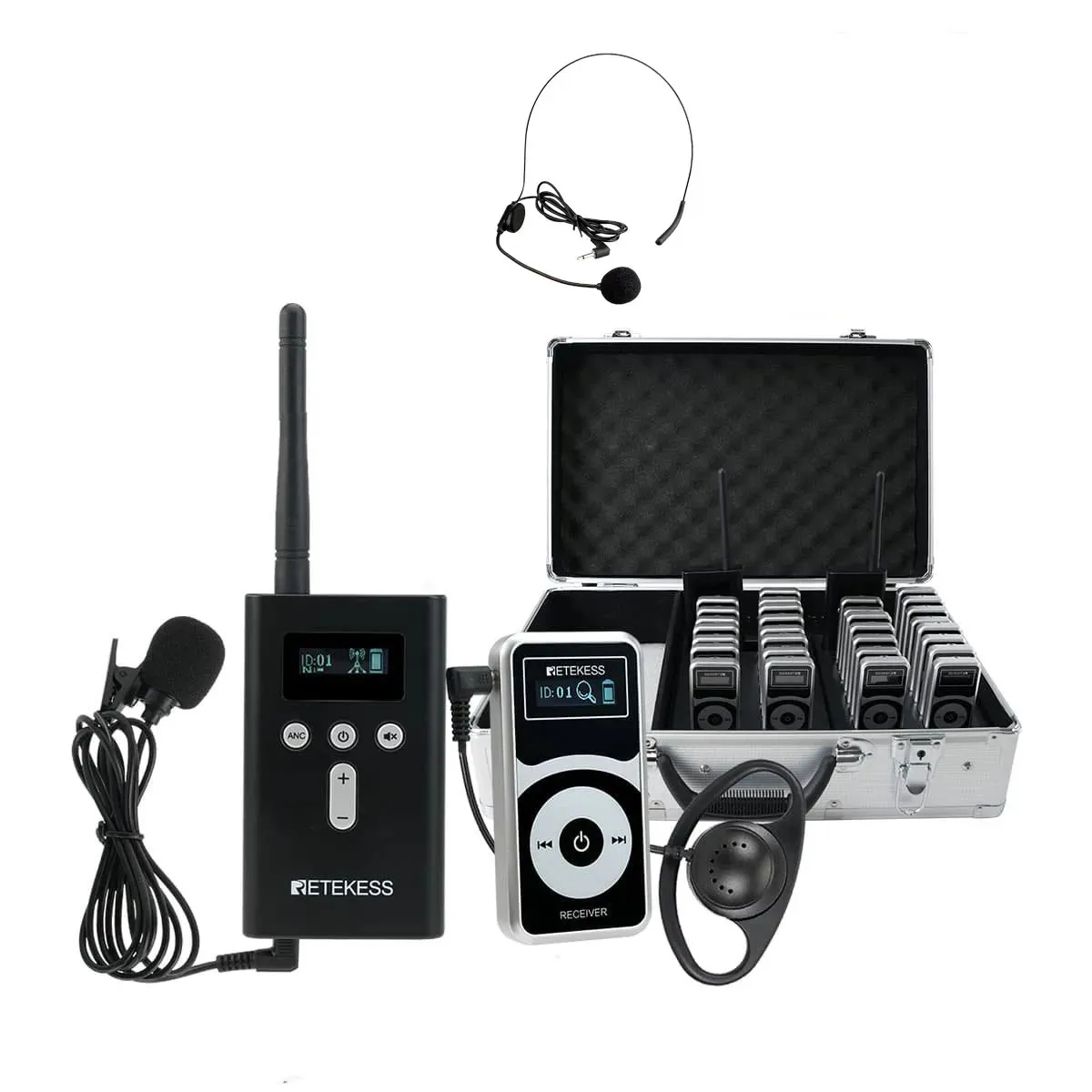
  1. Switch channels one by one.Move the transmitter to the next available channel, then re-pair receivers. On systems like the Retekess T130P, channel selection takes seconds and receivers hold their last paired setting.
  2. Relocate the transmitter.Move it away from Wi‑Fi access points, metal racks, and large electrical equipment. Even a 3-meter shift can clear up interference.
  3. Test with one receiver first.Walk the full route with one receiver before distributing the rest. If crosstalk returns on the new channel, repeat the process until you find a clean one.

Prevention: Map channels in advance. If you know three tour groups will run at the same time, assign channels 1, 3, and 5 instead of 1, 2, and 3 to create spacing.

Failure 2: Receivers Will Not Pair or Produce No Sound

What it looks like: You turn on the transmitter and receivers, but some or all receivers stay silent. The display shows no connection, or the channel number does not match.

Why it happens: This is almost always a channel mismatch, not a hardware defect. Receivers may have been returned on a different channel from the last event, or a previous user changed the transmitter settings. Low battery on either side can also prevent pairing.

10-minute fix

  1. Verify channel numbers on both sides.Confirm the transmitter and silent receivers are set to the exact same channel number.
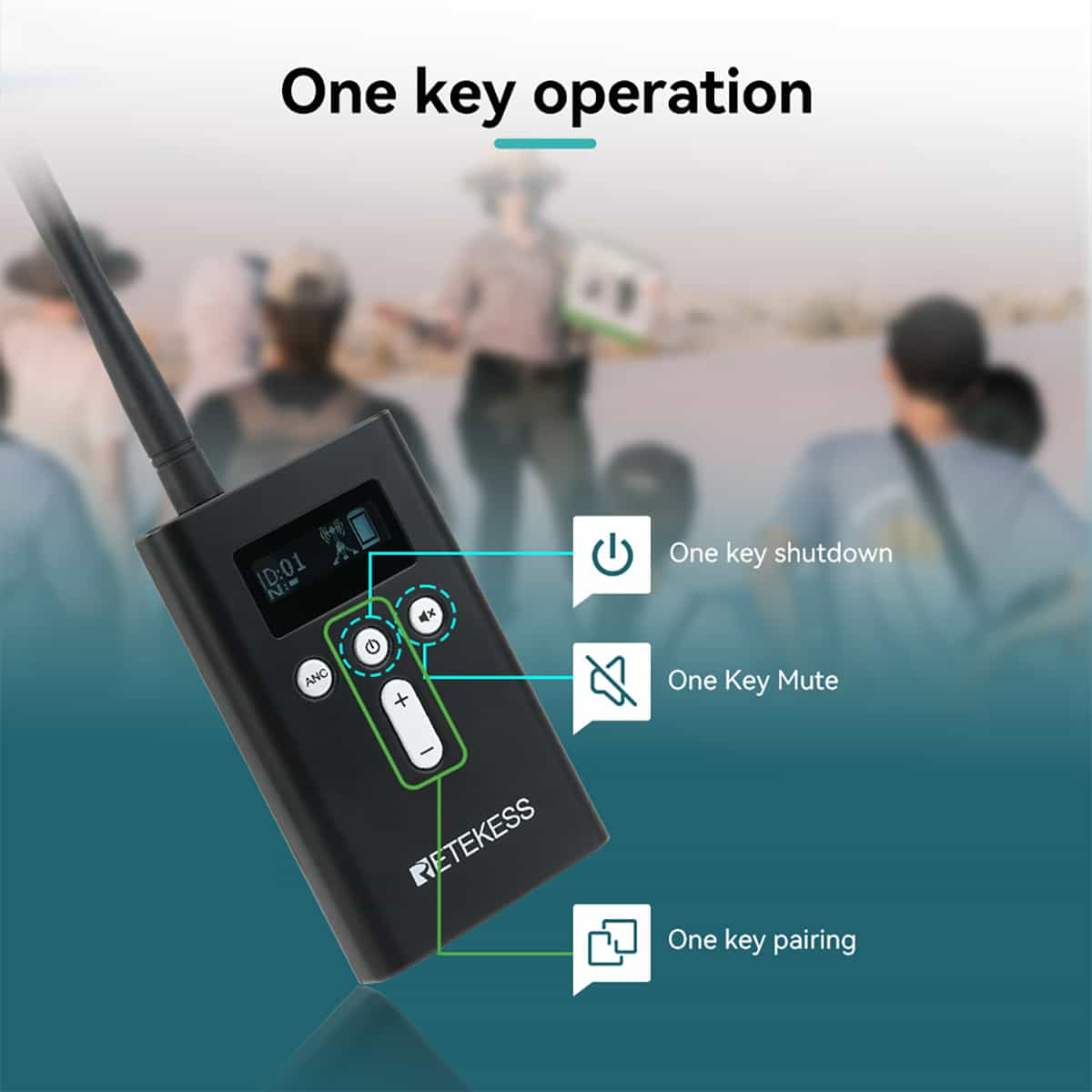
  2. Run a fresh pairing cycle.Put the transmitter into pairing mode and hold unpaired receivers within 1–2 meters. Systems with one-touch pairing, such as the Retekess T130P line, typically complete re-pairing in 5–10 seconds per unit.
  3. Swap in a known-good receiver.If one receiver still will not connect, test a receiver you know works. If the good receiver connects, the problem unit may need a charge or a factory reset.

Prevention: After each event, return all receivers to the same default channel before putting them back in the charging case. This eliminates surprise mismatches at the next event.

Failure 3: AI Translation Accuracy Drops Suddenly

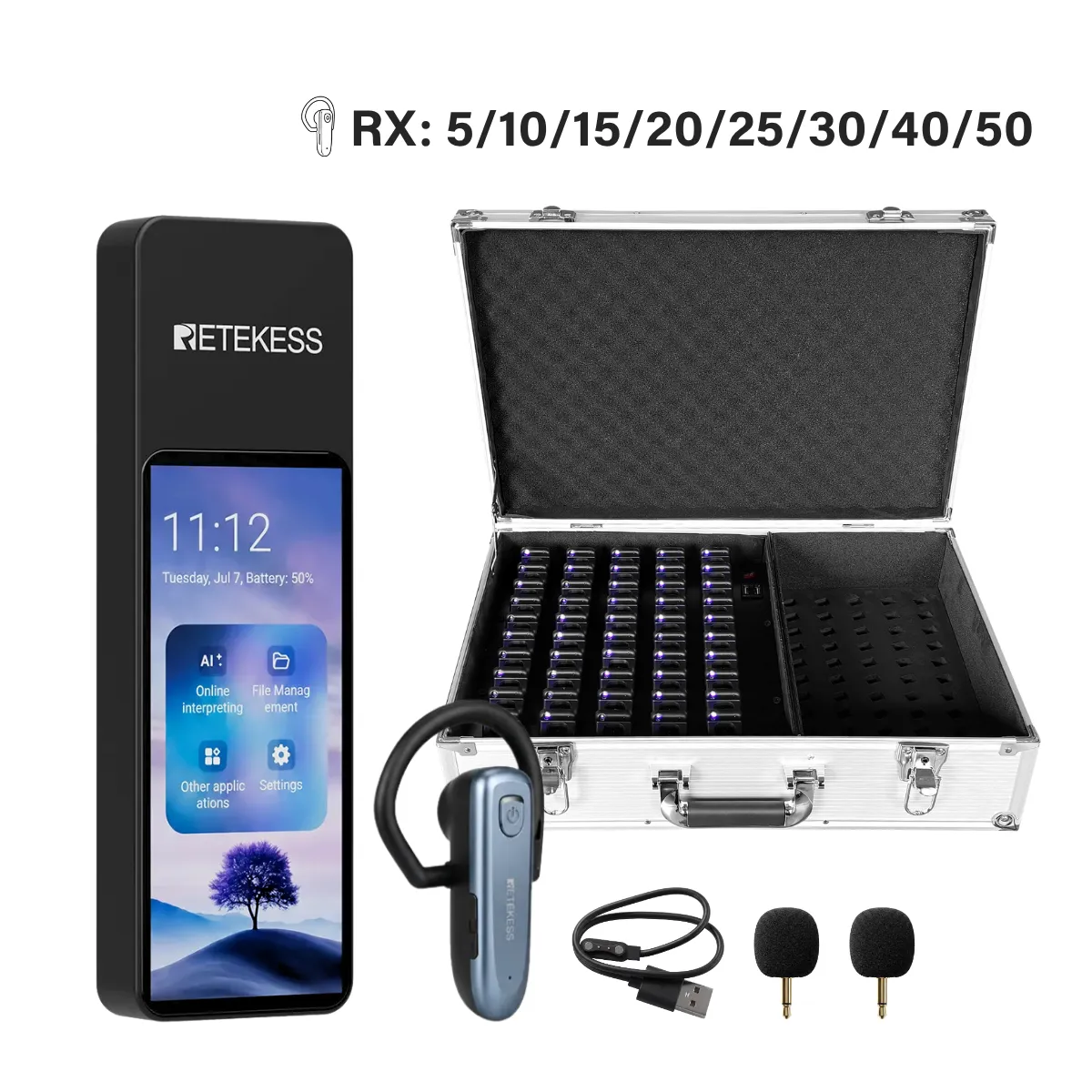
What it looks like: An AI translation device like the Retekess TT136 worked fine in the morning, but by afternoon it produces garbled output, misses sentences, or translates only part of what is said.

long-range-wireless-tour-guide-system-200m

Why it happens: AI translation depends on three steps working well: clear voice capture, a stable internet connection, and the translation model itself. Most on-site accuracy drops come from step one or two — not the AI model. Background noise, distance from the speaker, a weak Wi‑Fi or cellular signal, or a blocked microphone opening are the usual culprits.

10-minute fix

  1. Check the internet connection.Switch from Wi‑Fi to mobile hotspot (or vice versa) and test one short sentence. A weak or unstable network is the single most common cause of sudden AI translation drops.
  2. Move closer and reduce background noise.Position the device 20–40 cm from the speaker. Turn off nearby fans, move away from crowded walkways, and face the microphone directly toward the person speaking.
  3. Restart the device.Hold the power button for 15–20 seconds to force a reboot, then reconnect. This clears temporary software glitches that can accumulate over a full day of continuous use.

Prevention: Keep a portable Wi‑Fi hotspot as backup. Wipe the microphone opening with a soft cloth at lunchtime — dust and pocket lint can muffle audio enough to reduce recognition accuracy.

Failure 4: Battery Dies Faster Than Expected

What it looks like: Receivers or the transmitter die halfway through the event, even though they were charged overnight. Some units last the full day; others die in 2–3 hours.

Why it happens: Three causes account for almost all unexpected battery drain:

  • Units were placed in the charging case but not actually seated on the charge pins.
  • High volume, strong signal output, and continuous Bluetooth pairing drain battery faster than rated lab conditions.
  • Older batteries have reduced capacity after hundreds of charge cycles.

10-minute fix

  1. Reseat every unit in the charging case.Make sure charge indicators light up. A single misaligned contact pin can leave a unit completely uncharged.
  2. Lower output volume on receivers.Dropping volume from max to 70% can add 1–2 hours of runtime with almost no loss of listener experience.
  3. Swap in spare units.Always carry 10% spare receivers. For a 30-person group, keep 3 extra units charged and ready. Rotate drained units back into a portable charging case during breaks.

Prevention: Do a full charge cycle test once a month. Note which units fall below 70% of their rated runtime — these are the ones to replace before they fail on site.

Failure 5: Distorted, Crackling, or Cutting-Out Audio

What it looks like: The voice comes through but cuts in and out, sounds crackly, or distorts when the speaker talks louder. Listeners can follow but must strain to understand.

Why it happens: This usually traces to one of three things: the microphone is too close and overloading, there is a physical blockage in the earpiece or headset, or the listener is at the edge of the transmitter’s range. Wind and movement can also make the problem worse for outdoor tours.
10-minute fix

  1. Adjust the microphone position.Move the lavalier mic 2–3 cm away from the speaker’s mouth. If the transmitter has a mic gain control, lower it slightly.
  2. Check the earpiece and headset.Wipe the ear tip, swap in a fresh disposable ear cushion, or try a different headset. A blocked ear tip is one of the fastest and easiest fixes.
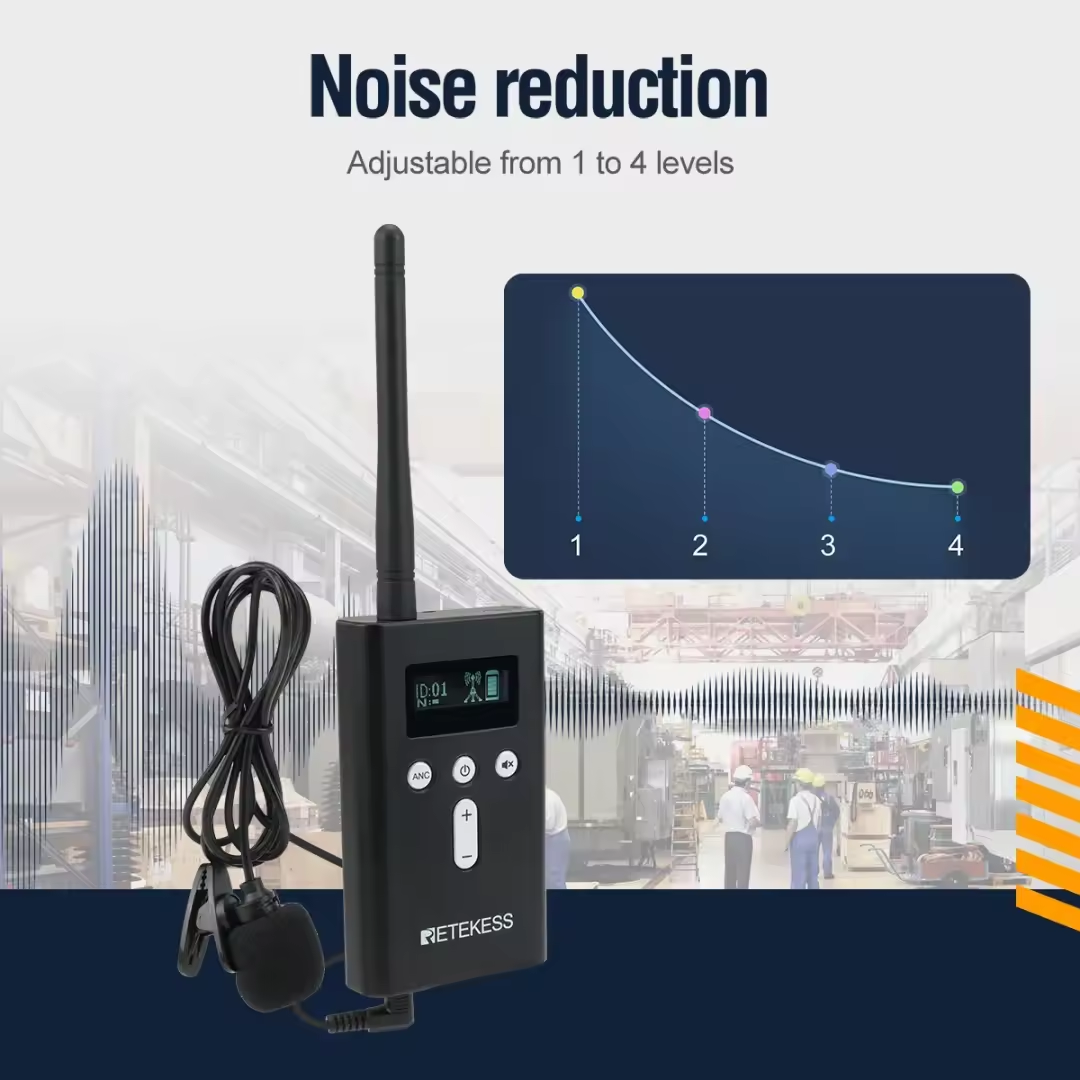
  3. Shorten the distance.If listeners are at the far edge of the room or tour route, move the transmitter closer to the group center. Systems with DSP noise reduction, such as the Retekess TT133 and T130P, handle distance better than basic models, but all wireless systems degrade at range.

adjustable-4-level-noise-reduction-tour-guide-system

Prevention: Keep spare ear cushions and one backup headset in your event kit. Inspect microphone windscreens monthly and replace them when they look worn.

Quick Maintenance Checklist to Prevent Failures

A few minutes of routine care eliminates most on-site surprises. Add these steps to your post-event routine:

  • Wipe transmitters, receivers, microphones, and earpieces with alcohol wipes
  • Confirm all units are seated correctly in the charging case and charging indicators are on
  • Return all units to the same default channel before storage
  • Inspect ear cushions, windscreens, and cables for wear
  • Test 2–3 units per case on a short 5-minute audio check before the next event
  • Label cases with channel number, last charge date, and any known faulty units

Final Thought

Portable translation equipment is reliable in normal use — but event environments are not normal. Interference, mis-seated chargers, dusty microphones, and weak internet are the real causes of most on-site problems, not defective hardware.

The fastest way to handle failures is not to buy more equipment. It is to know the five common failure points, keep a small set of spares and cleaning supplies on hand, and run a 2-minute channel and battery check before every event. For most teams, that is enough to fix 80% of issues in under 10 minutes.



Comments (0)

  1. There are no customer reviews yet . Leave a Reply !
Leave a Reply

Please note, comments must be approved before they are published