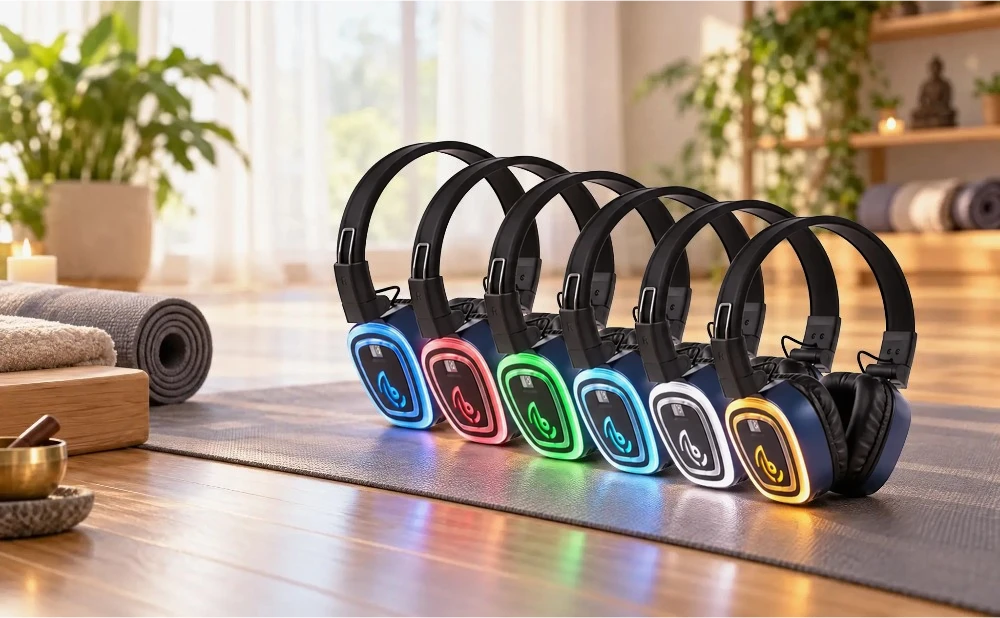
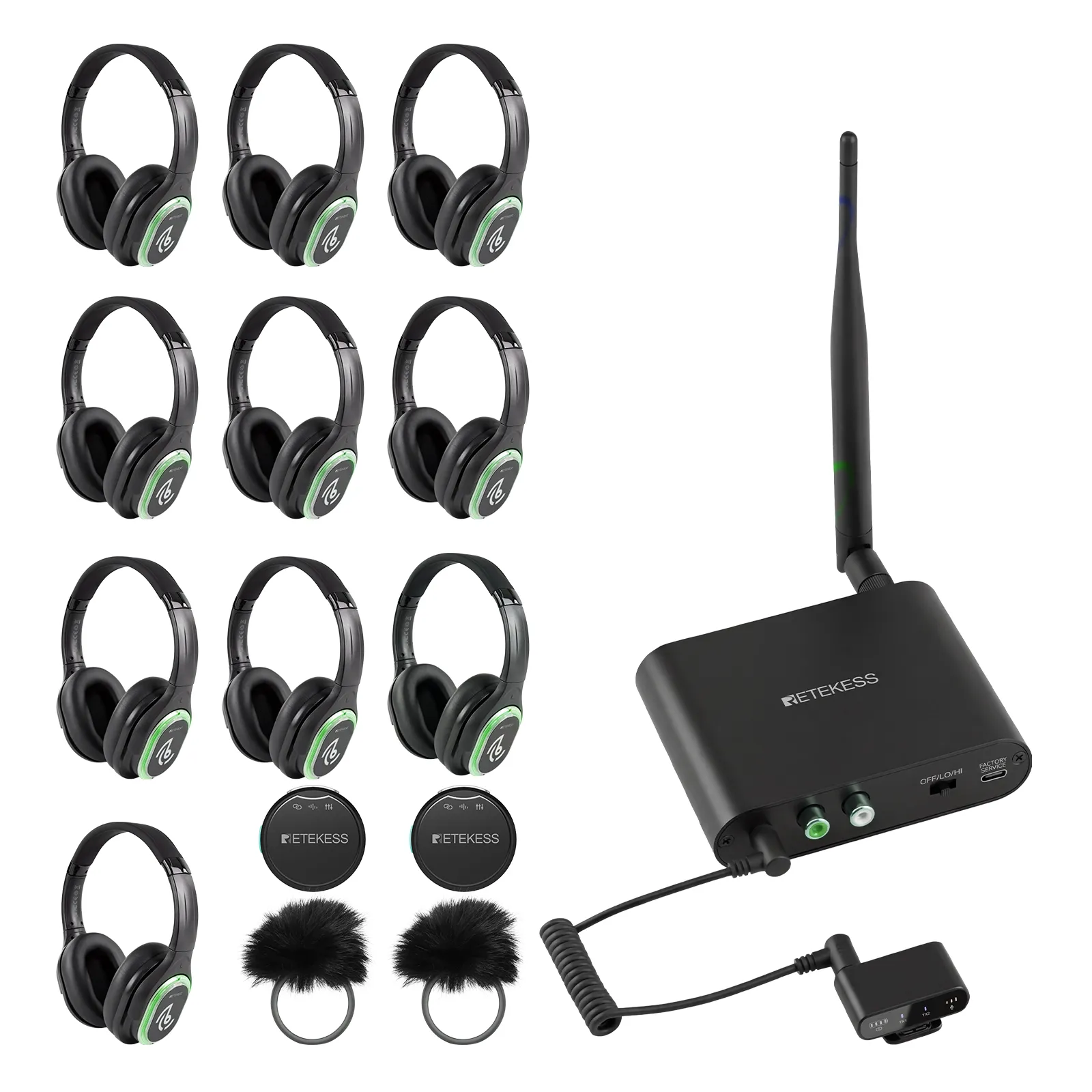
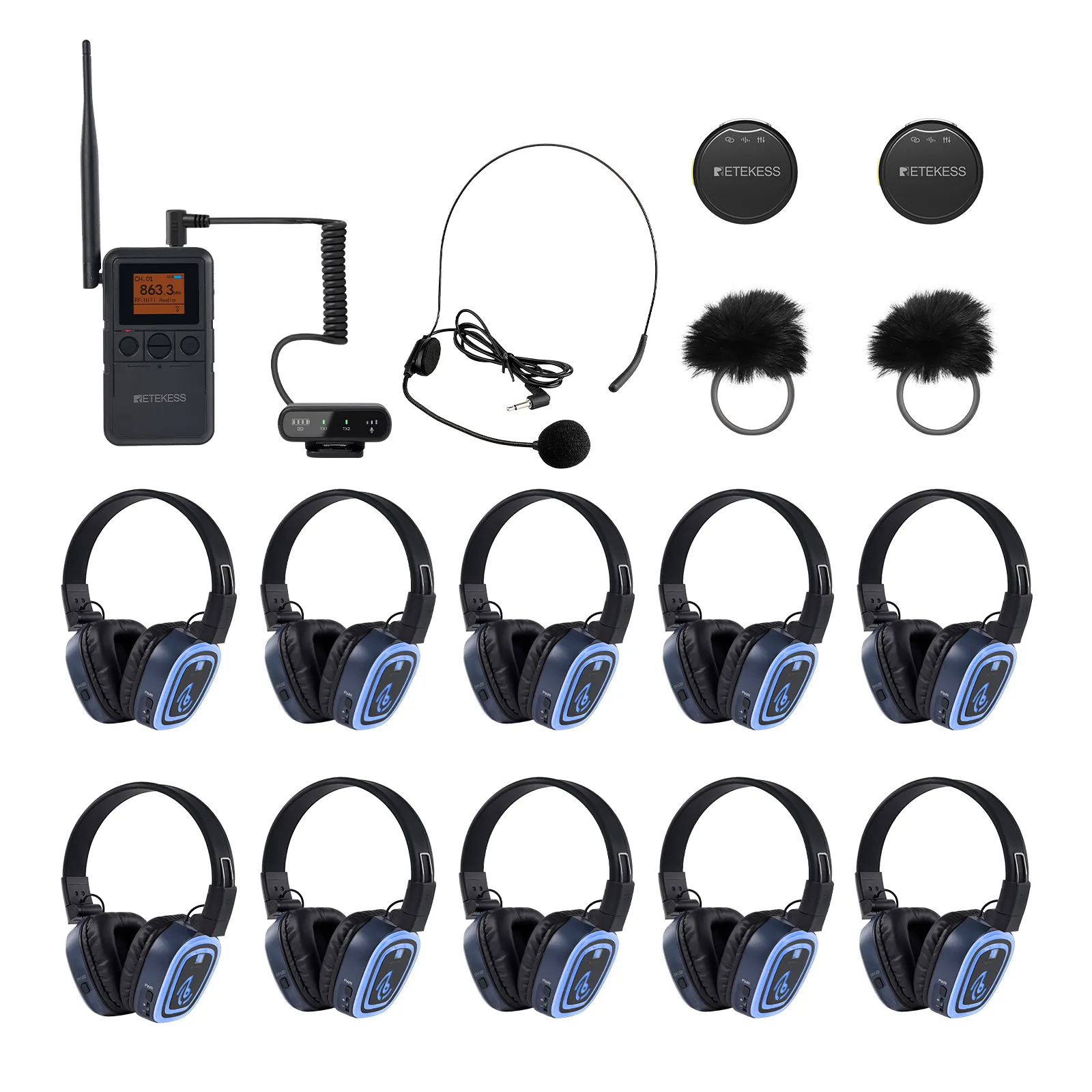
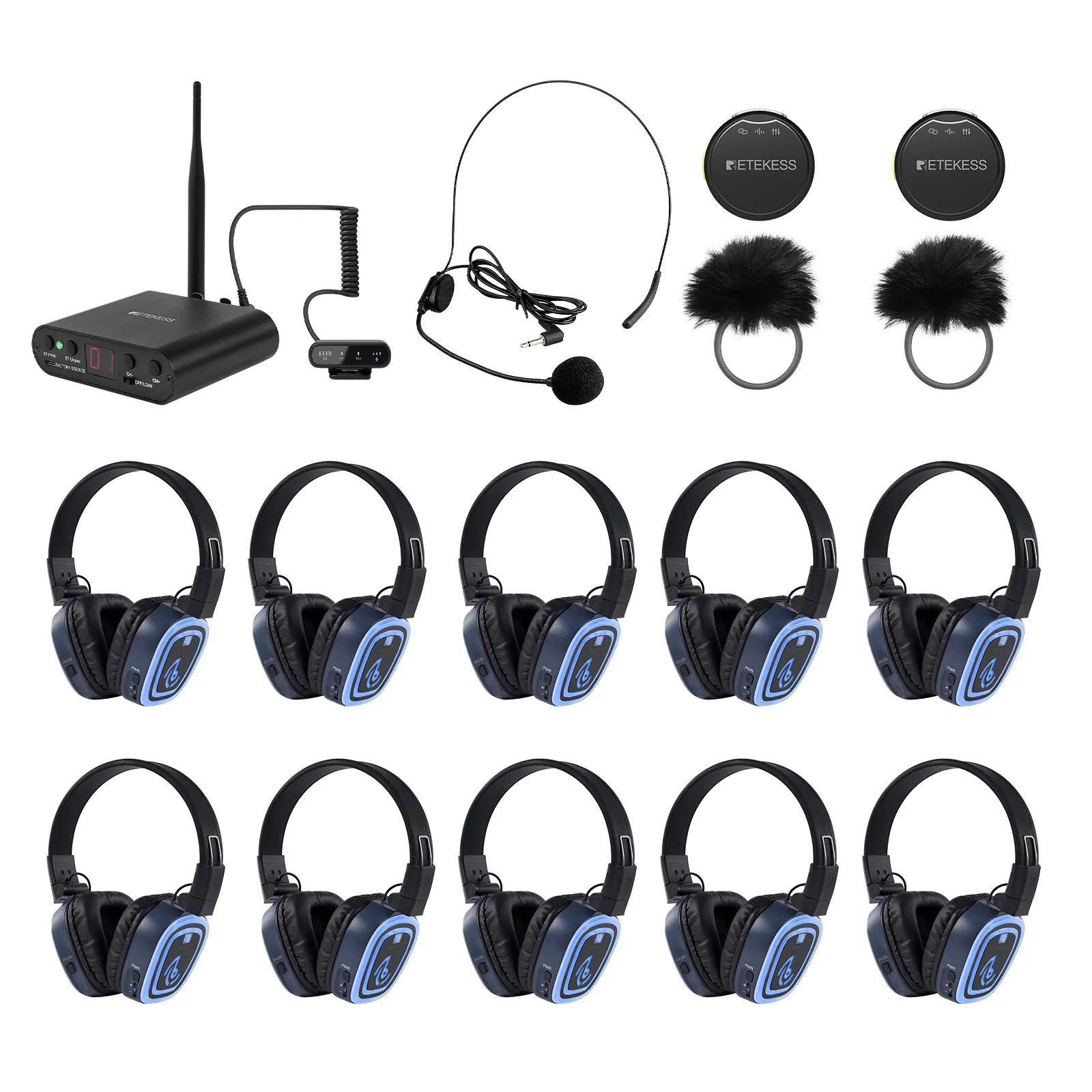
Hosting a multi-DJ battle, a themed wedding reception, or a large outdoor festival requires audio equipment that can handle multiple music streams without creating a wall of noise. Modern 6 channel silent disco headphones—such as the Retekess TA004S paired with TA003S or TA003P transmitters—make it possible to broadcast up to six independent audio channels simultaneously while keeping your venue completely quiet to the outside world.
If you are setting up listening party headphones for the first time, the hardware is much easier to operate than traditional PA speaker arrays. Below is a complete, step-by-step walkthrough covering pre-event preparation, transmitter configuration, range optimization, and guest operation.
Before your guests arrive, ensure every headset and transmitter is fully charged and tested.
Headphone Charging: Newer professional headsets like the TA004S use universal USB-C charging ports or multi-port charging docks. A full charge takes roughly 3 to 4 hours and delivers up to 12 hours of continuous playback, easily lasting through an all-night party or multi-session festival.
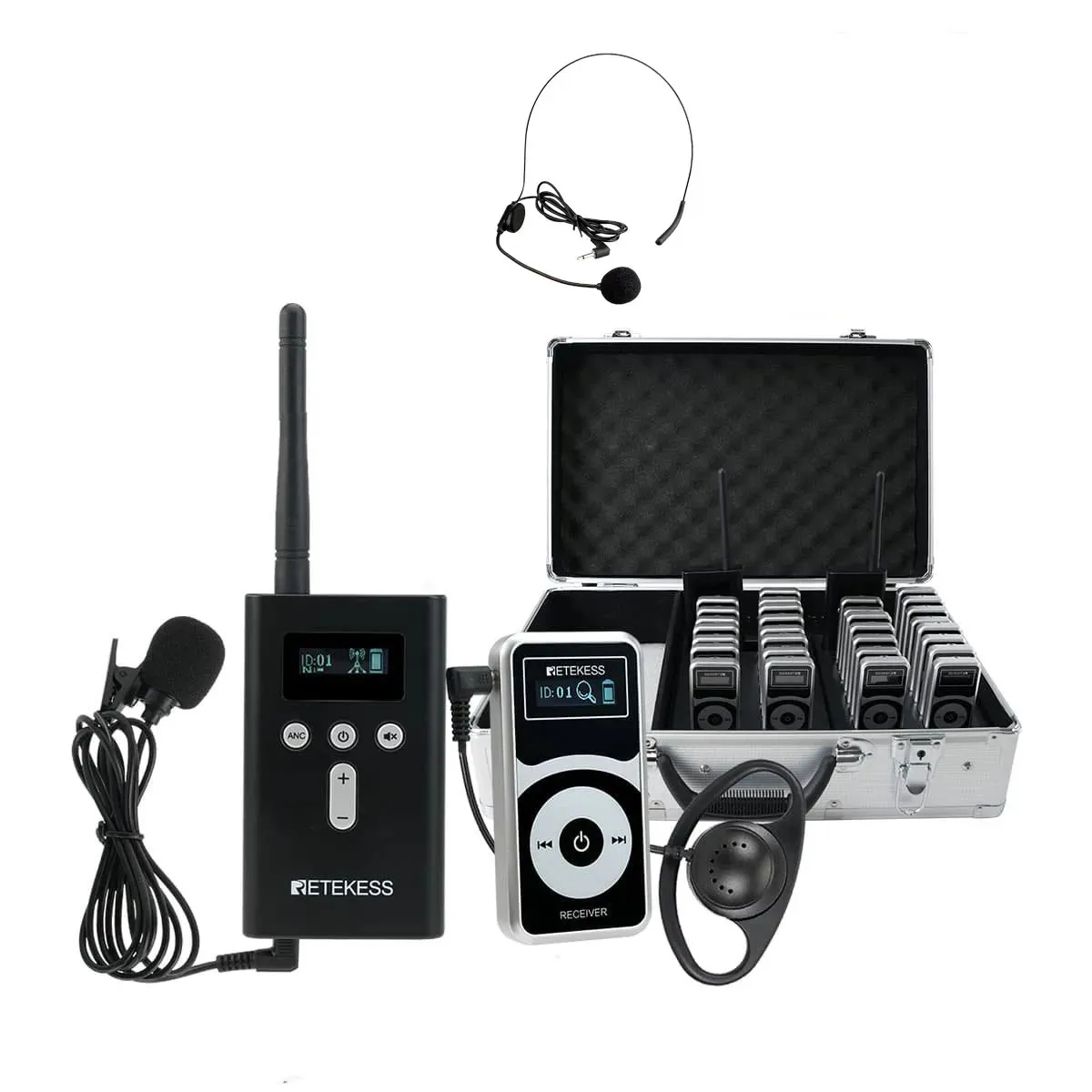
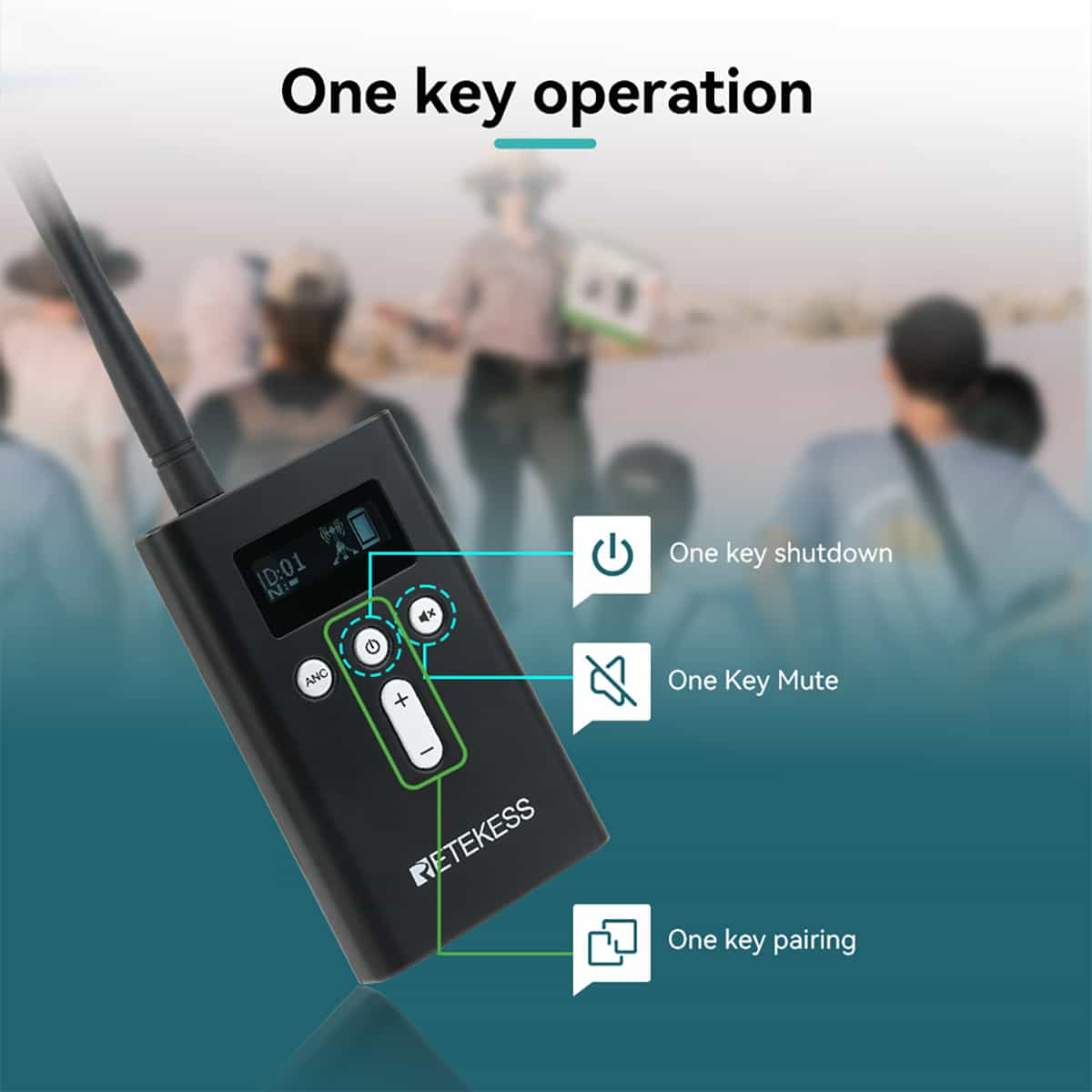
Transmitter Power: Desktop transmitters (like the TA003S) feature a built-in rechargeable battery lasting 10 to 20 hours, or they can remain plugged into AC power throughout the event. Portable transmitters (like the TA003P) use a detachable, swappable battery—keep a spare charged battery in your pocket if you are hosting an all-day outdoor event.
Channel Check: Power on one headset and verify that the digital display screen illuminates clearly, showing both the active channel number and battery bar.
To run all six channels simultaneously, you will need six individual transmitters—each dedicated to one DJ, playlist, or audio feed. (Note: 6-channel operation is supported on US frequency models; EU versions typically operate on 3 channels due to regional radio regulations.)
You can feed audio into each transmitter using three versatile input methods:
Wireless Bluetooth Streaming: Put the transmitter into Bluetooth pairing mode and connect a smartphone, tablet, or laptop. This is the fastest method for curated Spotify or Apple Music playlists.
Wired 3.5mm Aux & RCA Connections: For zero-lag professional DJing, connect your DJ controller, Serato/Rekordbox interface, or laptop headphone jack directly into the transmitter's 3.5mm Aux input.
Professional XLR Input & Live Microphone Mixing: Upgraded desktop units like the TA003S include a balanced XLR port for studio-grade soundboards. Additionally, both desktop and portable transmitters feature a dedicated microphone input, allowing an MC, wedding host, or fitness instructor to speak live over the music without pausing the track.
Once your audio sources are playing, configure the broadcast settings on each transmitter:
Channel Assignment: Use the channel selector button on each transmitter to assign a distinct channel (Channel 1 through Channel 6). Never set two active transmitters to the same channel in the same venue, or guests will experience signal interference and audio static.
High vs. Low Power Range Mode: Adjust the transmission power toggle to match your venue layout:
Low Power Mode (100m–150m / 328ft–492ft): Ideal for indoor bars, lounges, hotel ballrooms, and small backyard gatherings. Lowering the output conserves transmitter battery life and prevents your signal from bleeding into neighboring rooms.
High Power Mode (300m–400m / 984ft–1,312ft): Best for outdoor beaches, parks, rooftops, and multi-room event centers where signals must travel long distances or pass around architectural obstacles.
Transmitter Placement Tip: Position your transmitters at least 5 to 6 feet off the ground (on a DJ booth, table, or tripod) and away from thick concrete pillars or metal equipment racks. Clear line-of-sight maximizes wireless stability across the entire dance floor.
One of the best things about silent disco headphones is that guests require zero technical training. When handing out headsets at the entrance, share three quick tips:
Power & Volume: Hold the power button for 2 seconds to turn the headset on, then use the dedicated volume wheel or buttons on the ear cup to set a personal listening level.
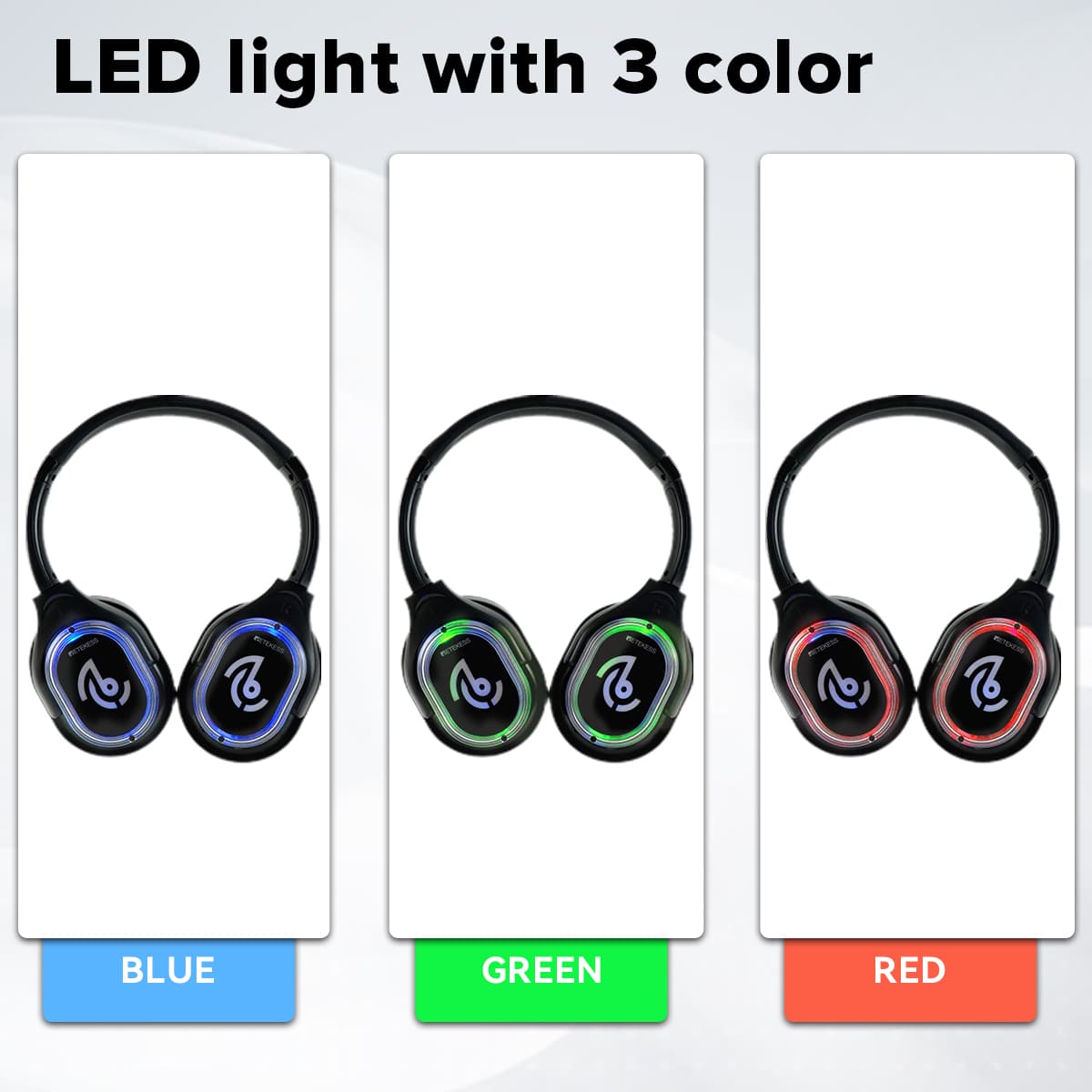
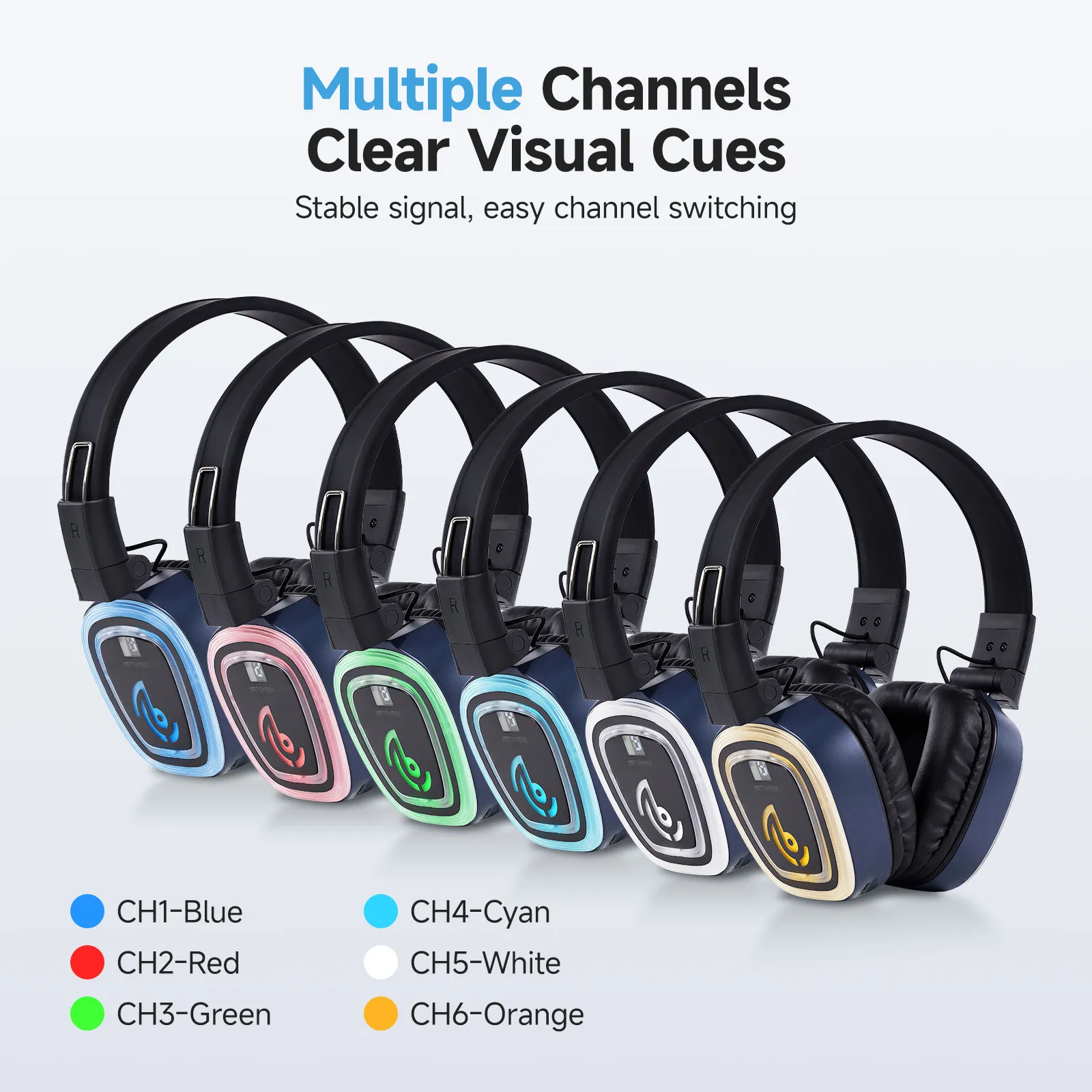
Switching Between the 6 Channels: Press the channel switch button on the ear cup to cycle through Channels 1 to 6. Each channel triggers a distinct LED glow color on the outside of the ear cups—allowing friends to instantly spot who is dancing to the same DJ across a dark room.
Checking the Digital Screen: Guests can glance at the built-in LCD readout on the headset to confirm the exact channel number they are tuned into and check remaining battery life.
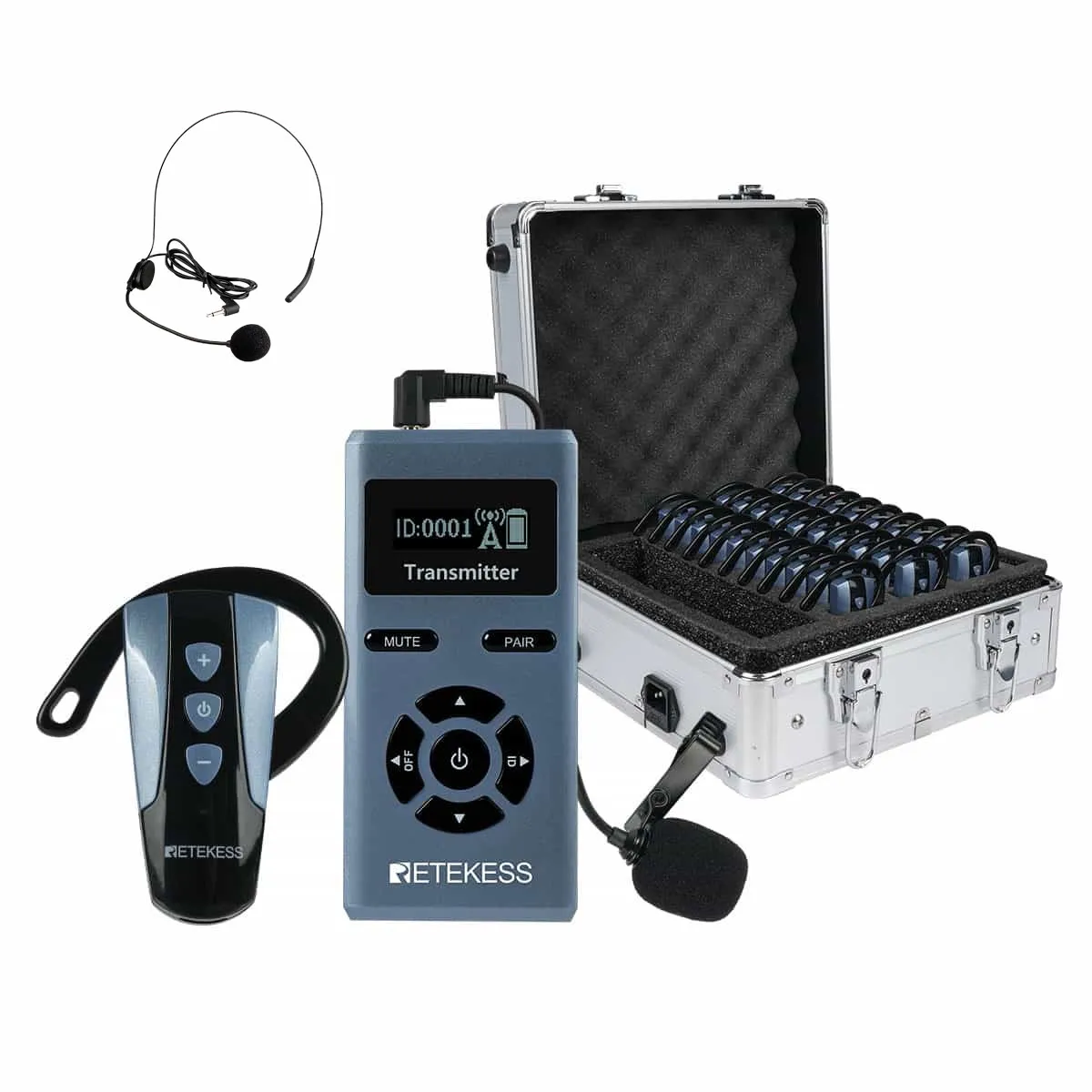
When the party winds down, power off all transmitters first, then collect the headsets. Thanks to truly foldable hinges, professional listening party headphones collapse neatly into compact stacks, cutting storage and transport volume nearly in half. Wipe down the breathable protein-leather ear cushions with alcohol-free sanitizing wipes and place the units back on your multi-port charging dock so they are ready for your next gig.





 Google
 Amazon