
Table of Contents
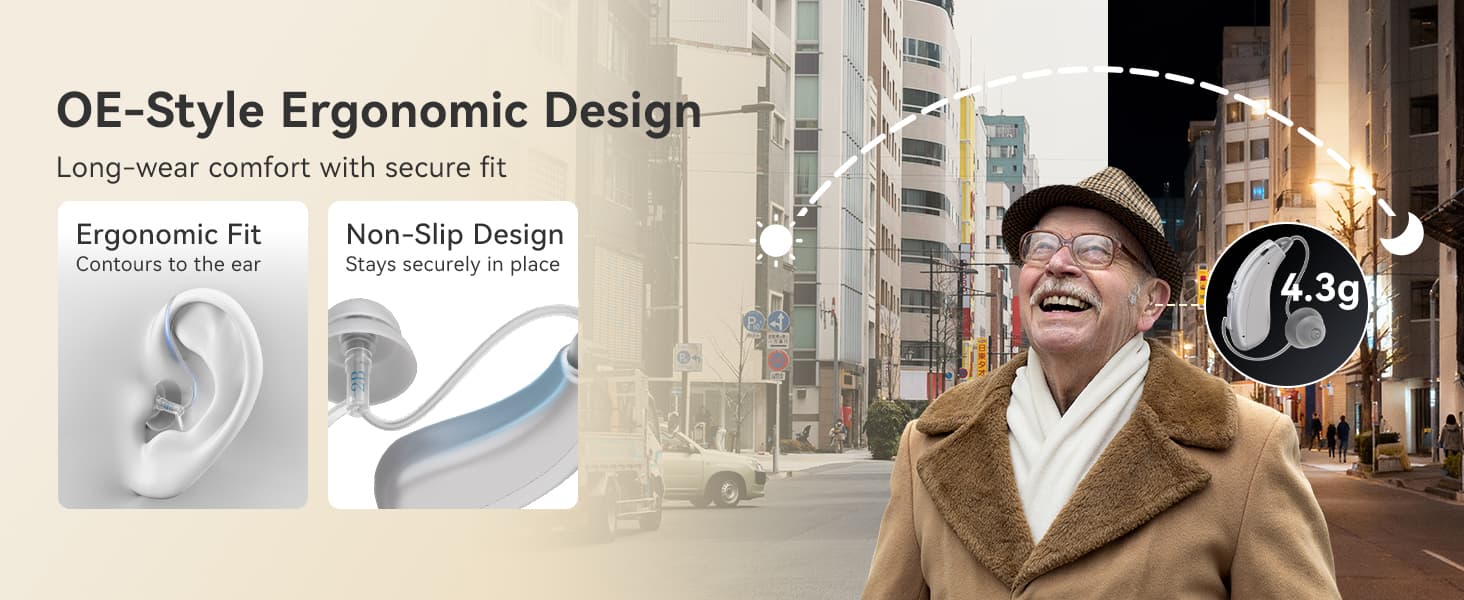
TE202 Tinnitus Masking Hearing Aid Operation Instructions
- Judy
- Apr 17, 2026
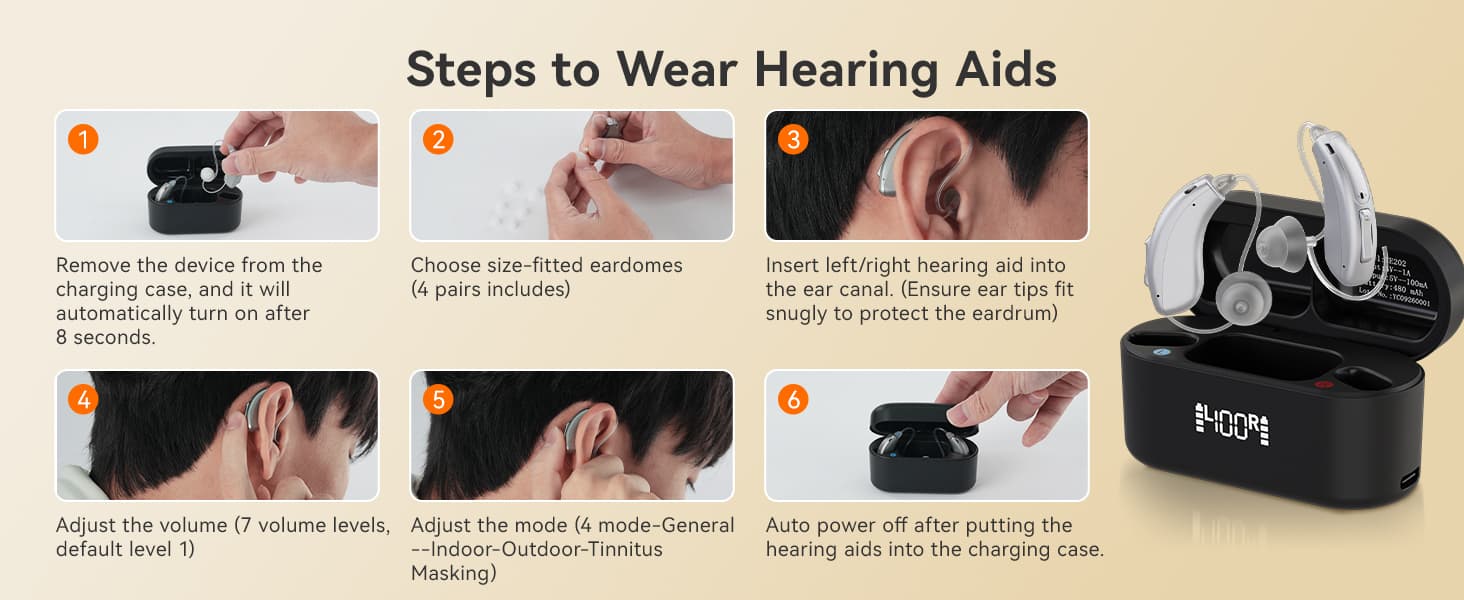
Powering on the BTE Hearing Aid:
① When the earphone is in the charging case and powered off, remove it from the charging case. It will automatically power on after 8 seconds with 5 beeps.
② When the earphone is not in the charging case and powered off, press and hold the up or down button on the earphone for 6 seconds to power on. It will also beep 5 times.
Powering off the Invisible Hearing Aid:
① When the hearing aid is powered on, place it in the charging case. It will automatically power off.
② When the product is powered on, press and hold the up or down button on the earphone for 6 seconds to power off. It will beep 4 times.
③ The hearing aid will automatically power off when the battery output voltage is below 2.8V.
Volume Adjustment:
When this hearing aid, suitable for mild to moderate hearing loss, is powered on, use short presses of the up and down buttons on the earphone to adjust the volume.
Behind-the-ear hearing aids have a total of 7 volume levels.
① A short press of the up button increases the volume of the otc hearing aid, accompanied by a "beep" sound with each short press. The maximum volume is indicated by three "beep beep beep" sounds.
② A short press of the down button decreases the volume of the otc hearing aid, accompanied by a "du" sound with each short press. The minimum volume is indicated by two "dudu" sounds.
Note:
① The noise-canceling hearing aids must be used at the same volume level for 10 minutes before being turned off to automatically remember the previously set volume. Otherwise, it will revert to the last remembered volume level.
② When adjusting the volume, each operation for each individual hearing aid that is fitted to the left ear or the right ear must be performed separately.
③ The factory default volume level is 1.
Modes Switching :
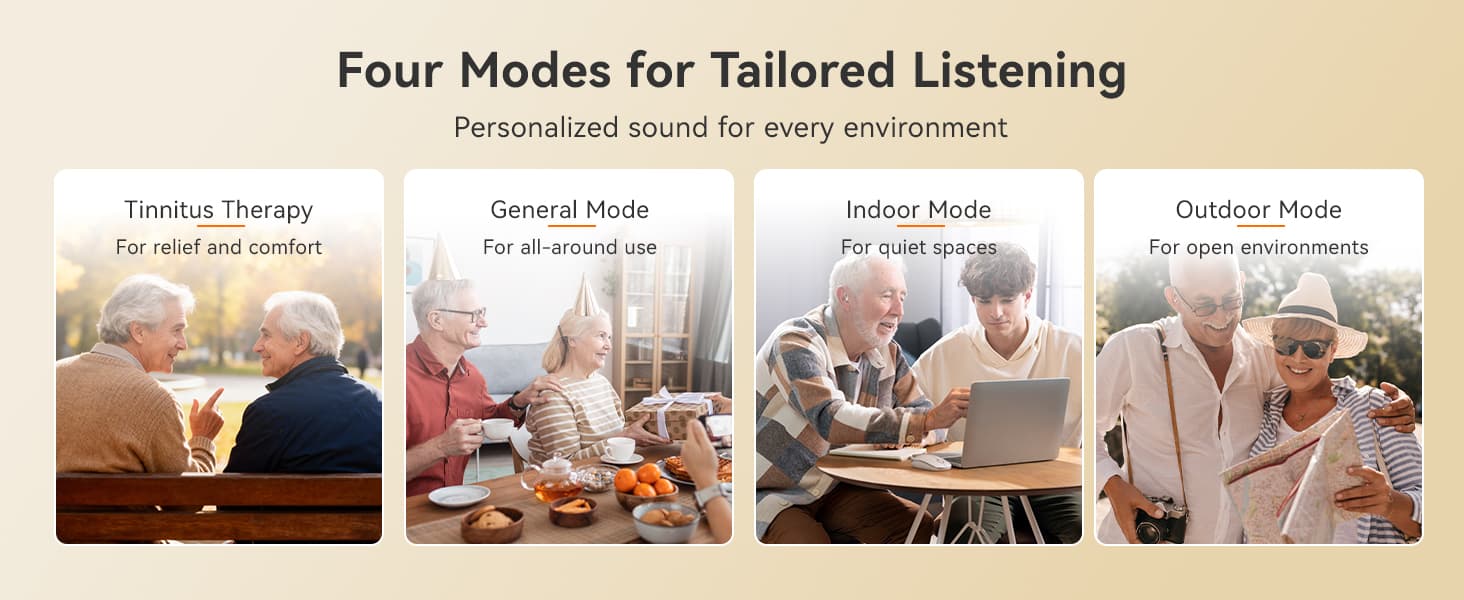
By pressing and holding the up or down button for 3 seconds on this hearing aid, designed for middle-aged and elderly users and featuring a tinnitus masking mode, you can switch between four modes:
① Mode 1 ("Beep"): General Mode;
② Mode 2 ("Beep Beep"): Indoor Mode;
③ Mode 3 ("Beep Beep Beep"): Outdoor Mode;
④ Mode 4 ("Beep Beep Beep Beep"): Tinnitus Masking Mode;
Note:
① Hearing aids with high-quality sound should be used in each mode for 10 minutes before being turned off to automatically remember the previously set scene mode. Otherwise, it will revert to the last remembered scene mode.
② Continuous long presses cycle through the four modes. A long press of the up button cycles through General, Indoor, Outdoor, and Tinnitus Masking modes; a long press of the down button cycles through Tinnitus Masking, Outdoor, Indoor, and General modes.
Charging and Battery Level Indication
① Charging the included rechargeable charging case: The built-in lithium battery can be charged using the included charging cable. The screen will light up when the case is opened and closed, displaying the remaining battery level digitally.
② Charging the rechargeable hearing aid: After inserting the earbuds into the case, "L" will light up to indicate the left earbud is in the charging case, and "R" will light up to indicate the right earbud is in the charging case.
It takes 15 minutes for the remaining battery level of the left and right earbuds to be displayed. The earbud battery level is displayed as a 4-segment progress bar; one segment lights up for every 25% of the battery remaining.
After removing the earbuds from the case, "L" will turn off for the left earbud and "R" will turn off for the right earbud.
Note:
① When using these TE202 noise-canceling hearing aids, do not insert them too deeply. The ear tips should just cover the ear canal to avoid damaging the eardrum.
② Always remove your hearing aids when showering, sleeping, or swimming to prevent them from getting wet. Do not wash your hearing aids with water or other liquids, as this may damage the circuitry.
③ Wipe the charging contacts before each charge to reduce the risk of device malfunction.










 Google
 Amazon
Comments (0)