
Table of Contents
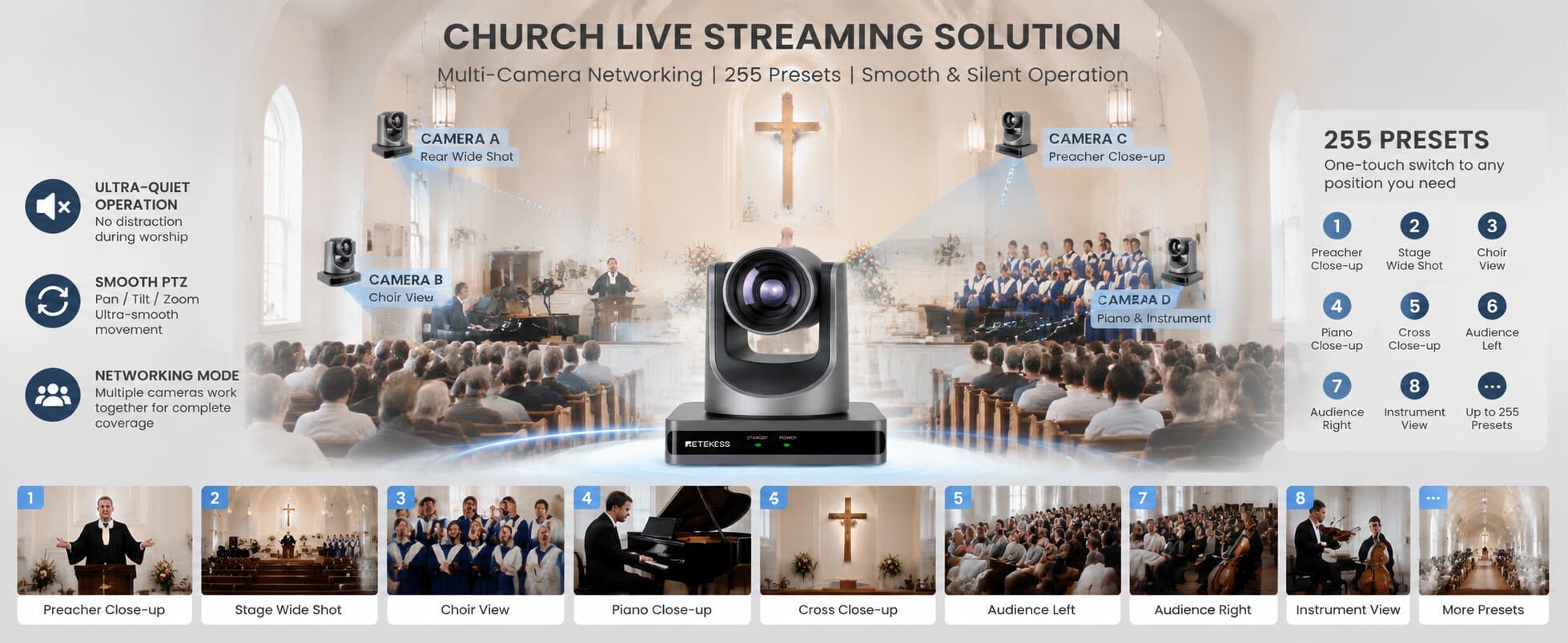
Diverse Application Scenarios and Networking Modes of the TC202 PTZ Camera
- Judy
- Jun 10, 2026
The TC202 PTZ camera features remotely controllable rotation and tracking functions, making it widely applicable, especially in scenarios requiring flexible shooting, large-area coverage, or target tracking. Based on functionality and industry needs, its general application scenarios can be categorized as follows:
Business and Meeting Scenarios
- Medium to large conference rooms: Automatically tracks speakers for efficient recording and live streaming of remote meetings.
- Online training/remote teaching: Allows teachers or lecturers to move freely within the classroom, with the camera automatically tracking them for immersive live streaming.
- Corporate live streaming/product launches: Captures live demonstrations or presentations, ensuring stable and clear footage.
Education and Training Institutions
- University classrooms and online courses: Automatically tracks lecturer or student interactions, reducing manpower required for filming.
- Training centers and seminars: Supports multi-angle shooting and live screen projection, enhancing the teaching experience.
Government and Public Institutions
- Government meeting rooms: Such as municipal meetings and court hearings, recording speakers and the proceedings. • Public Safety Monitoring: Real-time monitoring of public places or roads, combined with intelligent recognition functions.
Live Event Streaming and Performances
- Concerts and Theater Performances: Remotely control and film different stage angles to ensure rich live stream footage.
- Sports Events: Track and film matches, suitable for small stadiums or training grounds.
Medical and Remote Surgery
- Operating Room Live Streaming/Training: Film and transmit surgical procedures to the training port, supporting remote observation.
- Remote Consultation: Physicians can remotely view surgical or treatment processes, improving medical efficiency.
Public Places such as Churches, Temples, and Auditoriums
- Religious Ceremony Live Streaming: Covers the entire venue and can automatically focus on the host or key points of the ceremony.
- Auditorium Speeches/Celebrations: Films audience members and performers, enhancing the event playback experience.
Industrial and Enterprise Production
- Workshop/Production Line Monitoring: Allows rotating observation of equipment operation and assembly line status, especially suitable for large factories.
- Warehousing/Logistics: Combined with AI recognition, enables remote monitoring of goods entry, exit, and storage. 8. Security and Public Monitoring
- Banks, shopping malls, hotels: Flexible coverage of lobbies and key areas, integrated with facial recognition or abnormal behavior alarms.
- Transportation hubs: Train stations, airports, subway stations; remote control adjustment of viewing angles to reduce blind spots.
- Remote control capability reduces manual operation costs.
- Automatic target tracking, adapting to mobile scenarios.
- Multi-scenario compatibility: Meetings, education, security, live streaming, healthcare, etc.
- Can be integrated with AI functions to enhance intelligent monitoring capabilities.
|
Industry/Application Categories |
Typical Application Scenarios |
Functional Requirements |
Advantages |
|
Business and Conferences |
Medium-to-large conference rooms, corporate training, online product launches |
Automatic speaker tracking, remote PTZ control, HD recording |
Boosts meeting efficiency, reduces camera operation costs, and ensures every speaker remains clearly visible |
|
Education and Training |
University classrooms, training centers, live-streamed online courses |
360° panoramic capture, automatic instructor tracking, multi-person scene recognition |
Provides comprehensive recording of instructional content; supports online interaction and remote learning |
|
Government and Public Institutions |
Government meeting rooms, courtroom proceedings, public safety monitoring |
High-resolution recording, remote control, intelligent recognition |
Enhances recording completeness, facilitating oversight and security management |
|
Live Events and Performances |
Concerts, theater performances, small-scale sporting events |
Multi-angle capture, zoom tracking, low-latency live streaming |
Delivers rich visuals and an excellent viewer experience; supports remote viewing |
|
Healthcare and Remote Surgery |
Operating room live broadcasts, remote medical consultations |
HD remote capture, real-time transmission, precise tracking |
Improves efficiency in remote education and medical collaboration; ensures critical procedures are recorded |
|
Religious and Public Auditoriums |
Churches, temples, auditorium speeches |
Automatic focus on host/performer, multi-view recording |
Ensures complete event recording and an enhanced viewer experience; facilitates easy playback |
|
Industrial and Enterprise Production |
Manufacturing workshops, assembly lines, warehousing and logistics |
Flexible rotation monitoring, remote observation, AI anomaly detection |
Lowers inspection costs; provides real-time visibility into production and warehousing operations |
|
Security and Public Surveillance |
Banks, shopping malls, transportation hubs, hotels |
Remote control, 360° full coverage, anomaly detection |
Strengthens security and safety; minimizes surveillance blind spots; supports incident tracking |
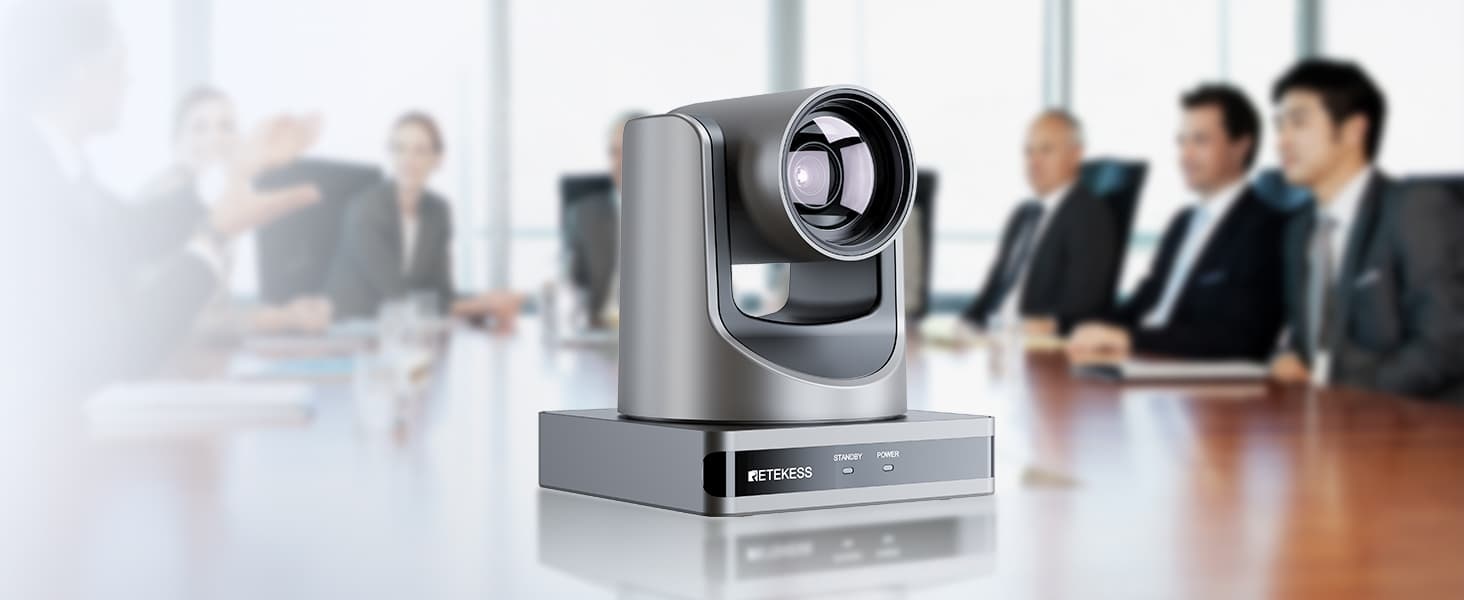
"Networking Mode" is an advanced feature found in many professional conference PTZ (Pan-Tilt-Zoom) cameras, primarily designed for multi-camera coordinated shooting and centralized management.
What is Networking Mode?
Traditional conference rooms often rely on a single camera; however, in large conference rooms, boardrooms, training classrooms, and lecture halls, one camera frequently fails to capture all participants.
Networking Mode enables:
Connecting multiple PTZ cameras to the same network
Unified management and control of all cameras
Flexible scaling of the number of cameras based on meeting requirements
Assigning different cameras to cover specific areas
Automatic switching to the optimal view
What is the purpose of 255 Preset Positions?
Preset positions allow you to:
Save specific camera angles, orientations, and zoom levels in advance.
Instantly move the camera to a designated position with the press of a button.
Why 255 preset positions?
Standard conference cameras typically support:
10 presets
64 presets
128 presets
Support for 255 presets is a professional-grade specification.
Suitable for:
Large conference centers
Saving positions for multiple locations within the venue.
Training classrooms
Saving camera positions for the podium, blackboard, student seating area, etc.
Courtroom systems
Saving positions for the judge's bench, plaintiff's table, defendant's table, witness stand, etc.
Churches and auditoriums
Saving views for the stage, band/choir, audience area, etc.
Broadcasting and live streaming
Quickly recalling different camera shots to enhance production efficiency.
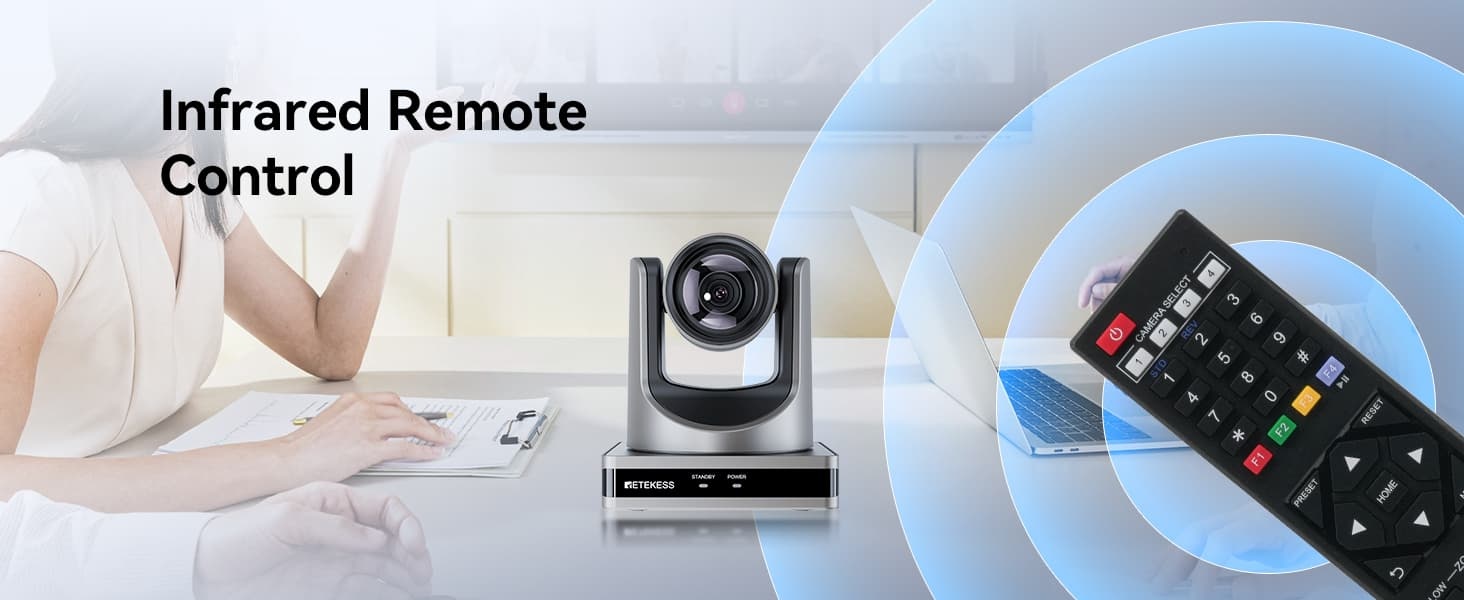
Networking Mode + 255 Presets
Combining these two features enables:
Automated multi-camera conference recording
One camera covers the head table/dais
One camera covers the speaker's podium
One camera captures the panoramic view
Each camera can store up to 255 preset positions.
When different individuals speak:
The system can automatically activate the appropriate camera and recall the corresponding preset position, perfectly adapting to various scenarios.
Leave a Reply
![[18th Anniversary] 18 Years of Echoing Excellence: Making Communication Easier, Connecting Trust Beyond Borders](https://res.retekess.com/z_file/20260716/retekess-brand-story-making-communication-easier_20260716151044_7682.jpg)
![[18 Years in Wireless Communication] Silent Disco Systems Anniversary Celebration: Top-Selling Headphones & Event Mechanics Revealed!](https://res.retekess.com/z_file/20260713/18-years-in-wireless-communication-silent-disco-systems-anniversary-celebration_20260713175011_5749.webp)
![[Anniversary Carnival] Ding-dong! 18th Anniversary Mega Sale on Guest Paging & Calling Systems: Full Reveal of 12+ Products & Promo Rules!](https://res.retekess.com/z_file/20260713/18th-anniversary-mega-sale-on-guest-paging-calling-systems_20260713175257_0295.webp)
![[Retekess 18th Anniversary Teaser] Tour Guide System Exclusive Perks: Sneak Peek at Event Dates & Mechanics!](https://res.retekess.com/z_file/20260713/retekess-18th-anniversary-tour-guide-system-exclusive-perks--2-_20260713180135_6435.webp)
Follow Us
Pay With


 Google
 Amazon
Comments (0)