The complete guide to running multi-DJ silent disco beach parties — solving frequency interference, channel crosstalk, and signal dropout before they ruin your event.
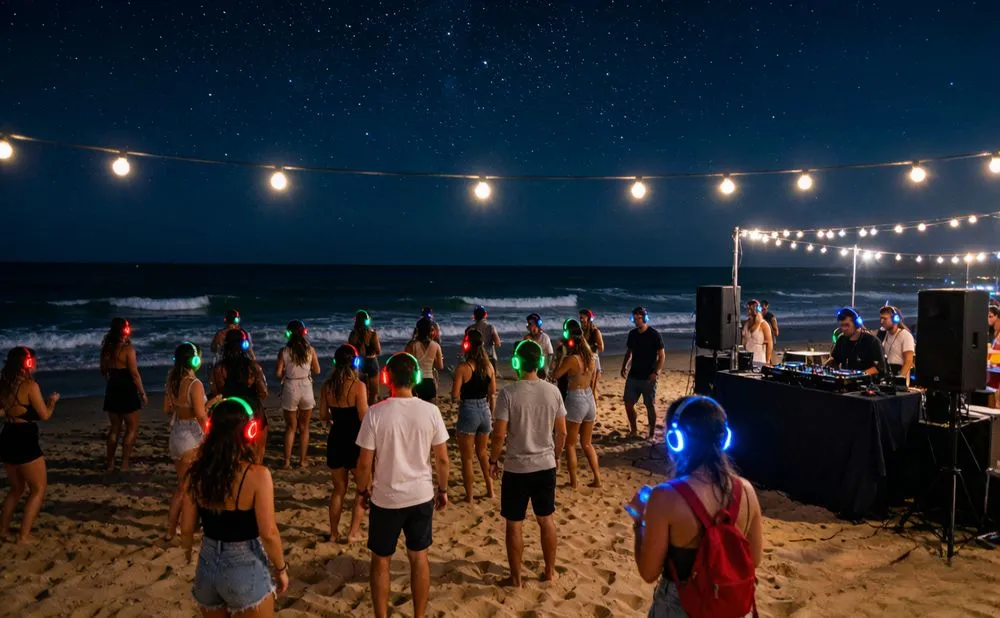
Summer is peak season for outdoor silent discos. July and August bring warm nights, full beaches, and the perfect conditions for headphone-only beach parties that run past midnight without a single noise complaint. But if you've ever tried running multiple DJs on the same beach at the same time, you already know the headache: frequency interference, channel crosstalk, signal dropouts, and the dreaded moment when two transmitters bleed into each other and every channel turns to static.
This guide breaks down exactly how to organize a flawless multi-channel silent disco beach party — from choosing the right equipment to positioning transmitters, balancing audio across channels, and troubleshooting the most common (and most preventable) problems event organizers face.
Why Silent Disco Beach Parties Are Booming
Silent discos solve the single biggest problem with beach parties: noise restrictions. Most beaches enforce strict curfews — typically 10 PM or 11 PM — that make traditional speaker systems impossible. With wireless silent disco headphones, the music never leaves the dance floor. The beach stays quiet. The party keeps going.
But the second-biggest problem? Keeping a diverse crowd happy with one music stream. A beach party might have 200 guests spanning three generations, each with different musical tastes. That's where multi-channel systems come in — and where things get technically tricky.
The Multi-Channel Advantage
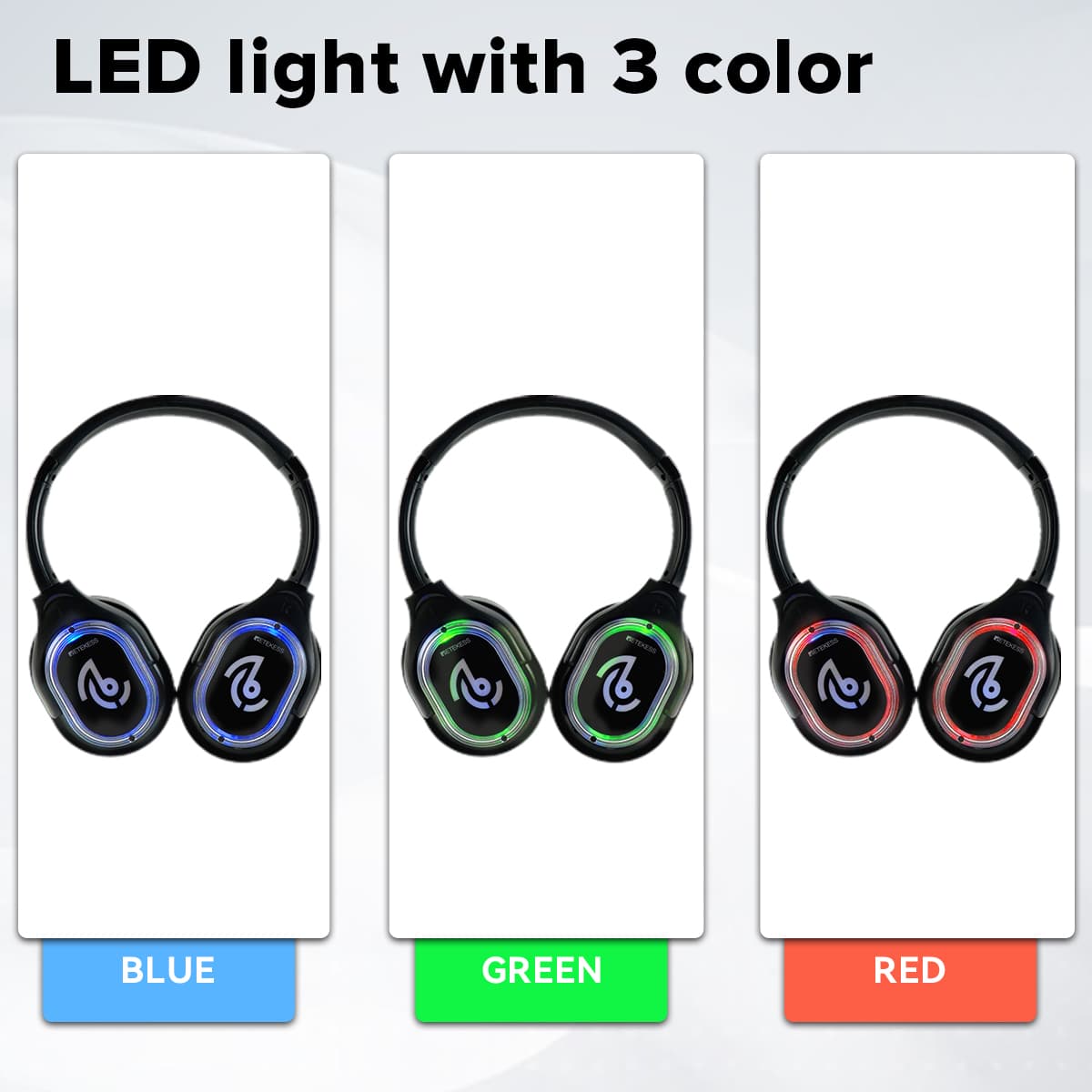
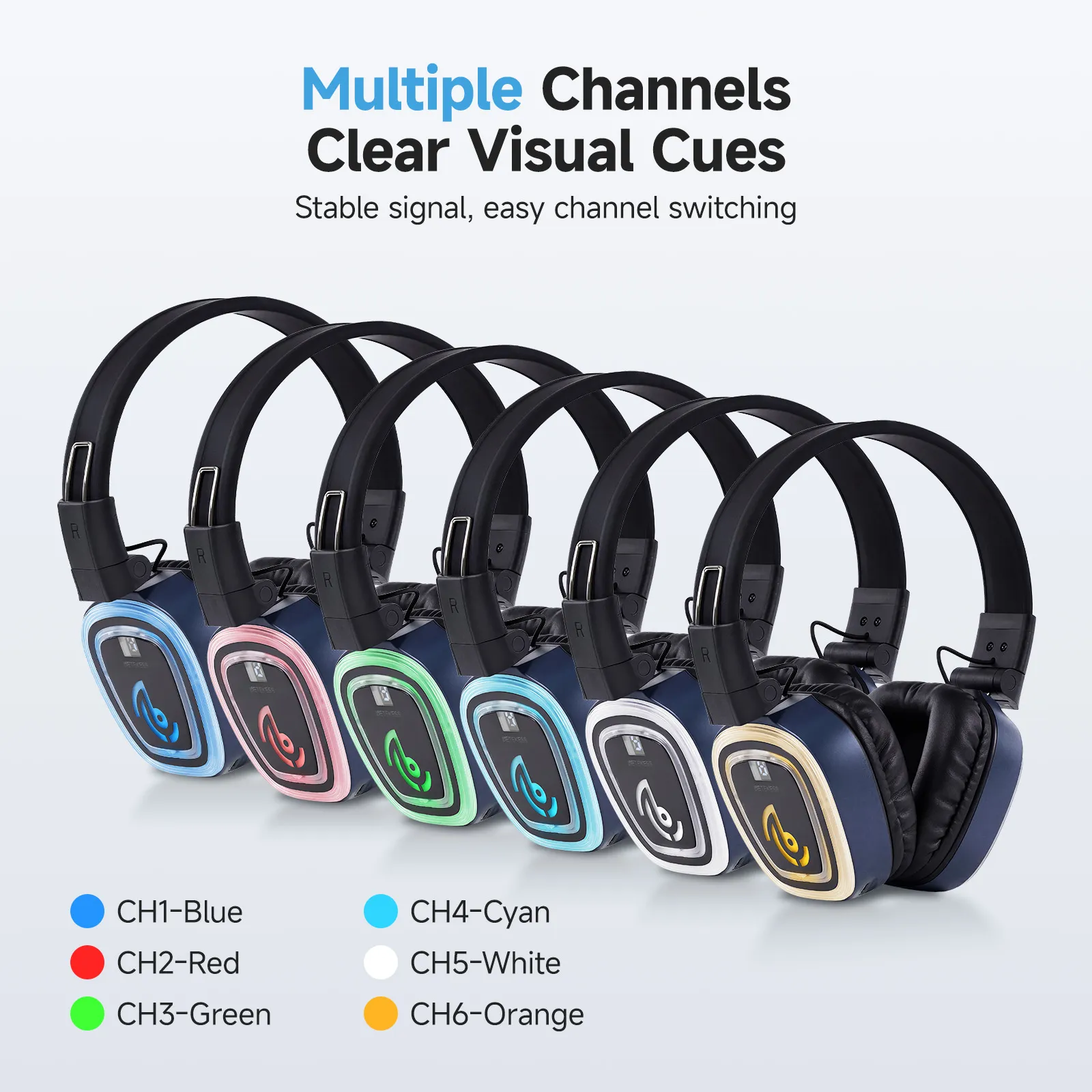
A standard silent disco setup runs three simultaneous audio channels, each broadcast by a separate transmitter connected to its own DJ or playlist. Guests switch between channels with a button press, and LED lights on the headphones glow different colors (typically red, green, and blue) so everyone can see at a glance what their friends are listening to.
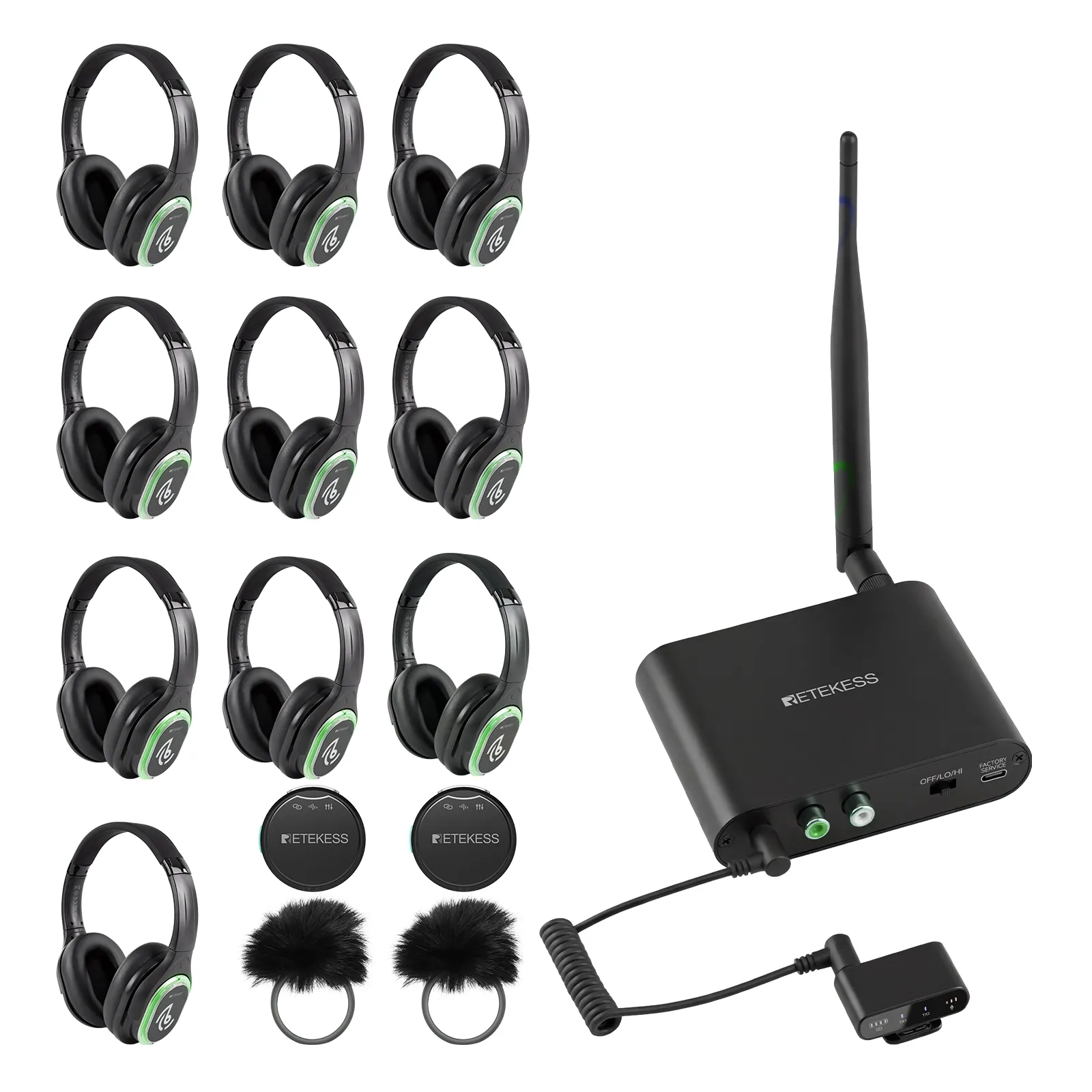
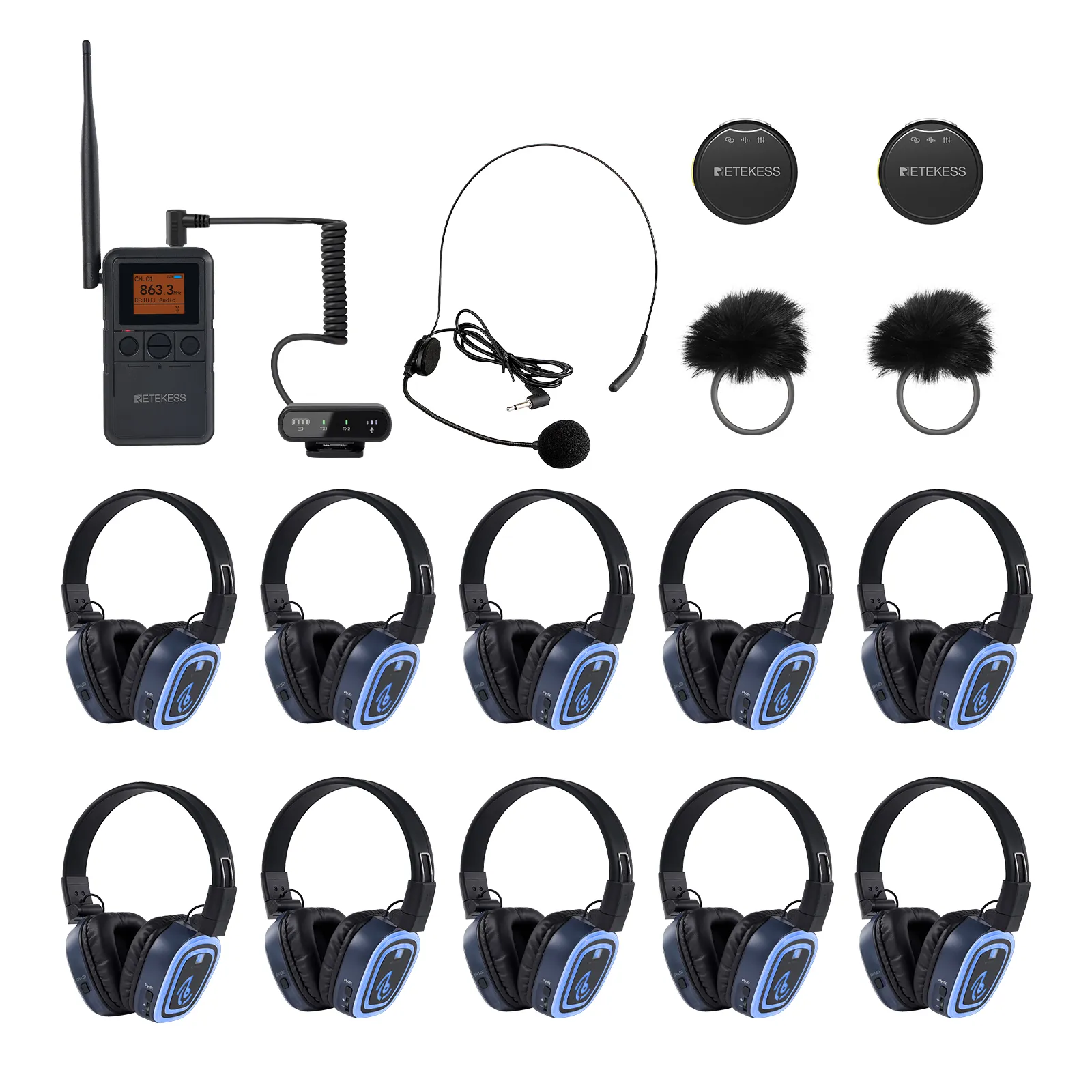
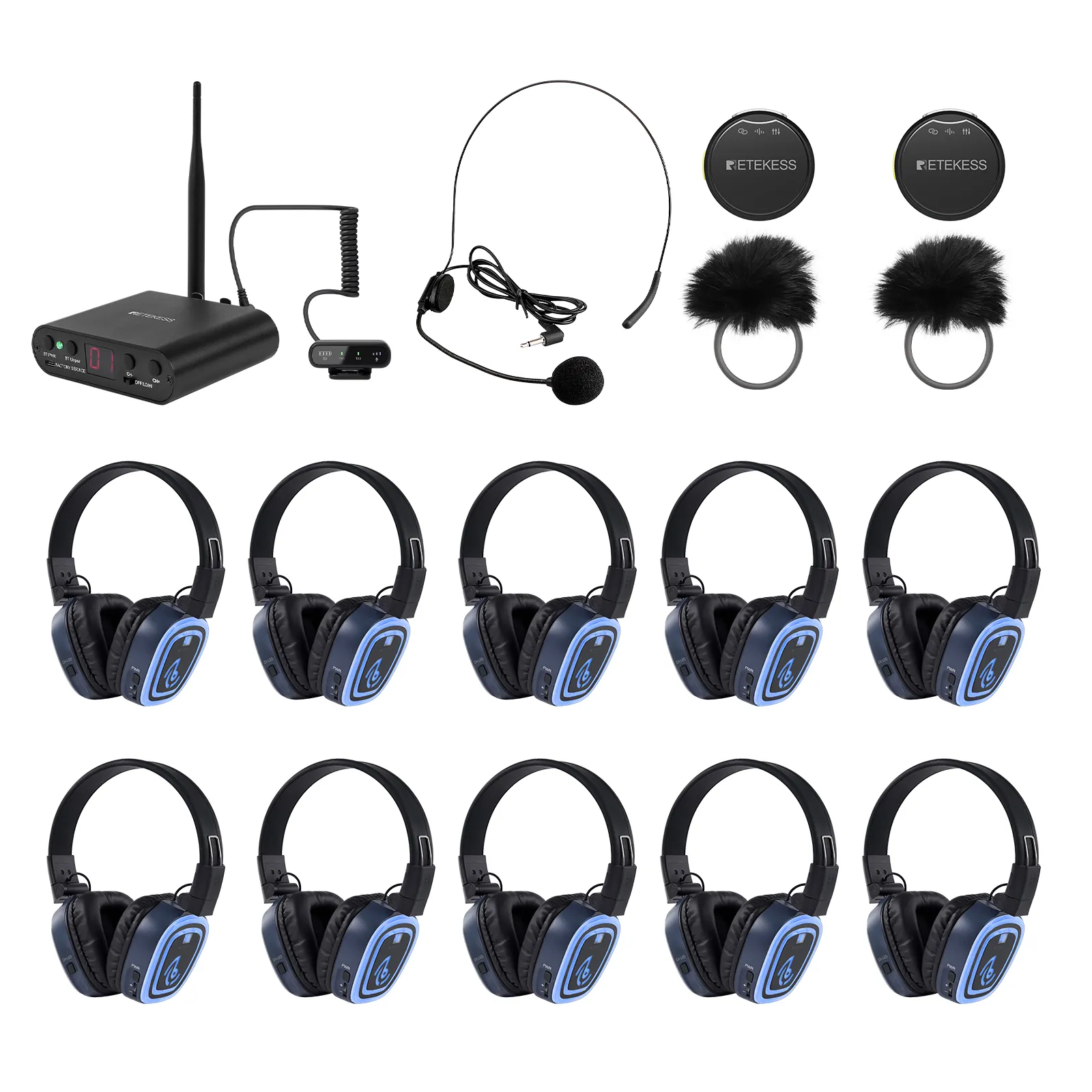
More advanced systems — like the Retekess TA003P/TA004S — support up to 6 independent channels, doubling the capacity and allowing organizers to run dedicated streams for different genres, age groups, or even live commentary alongside music.
Choosing the Right Equipment: Retekess TA003P/TA004S vs. TA003S/TA004S
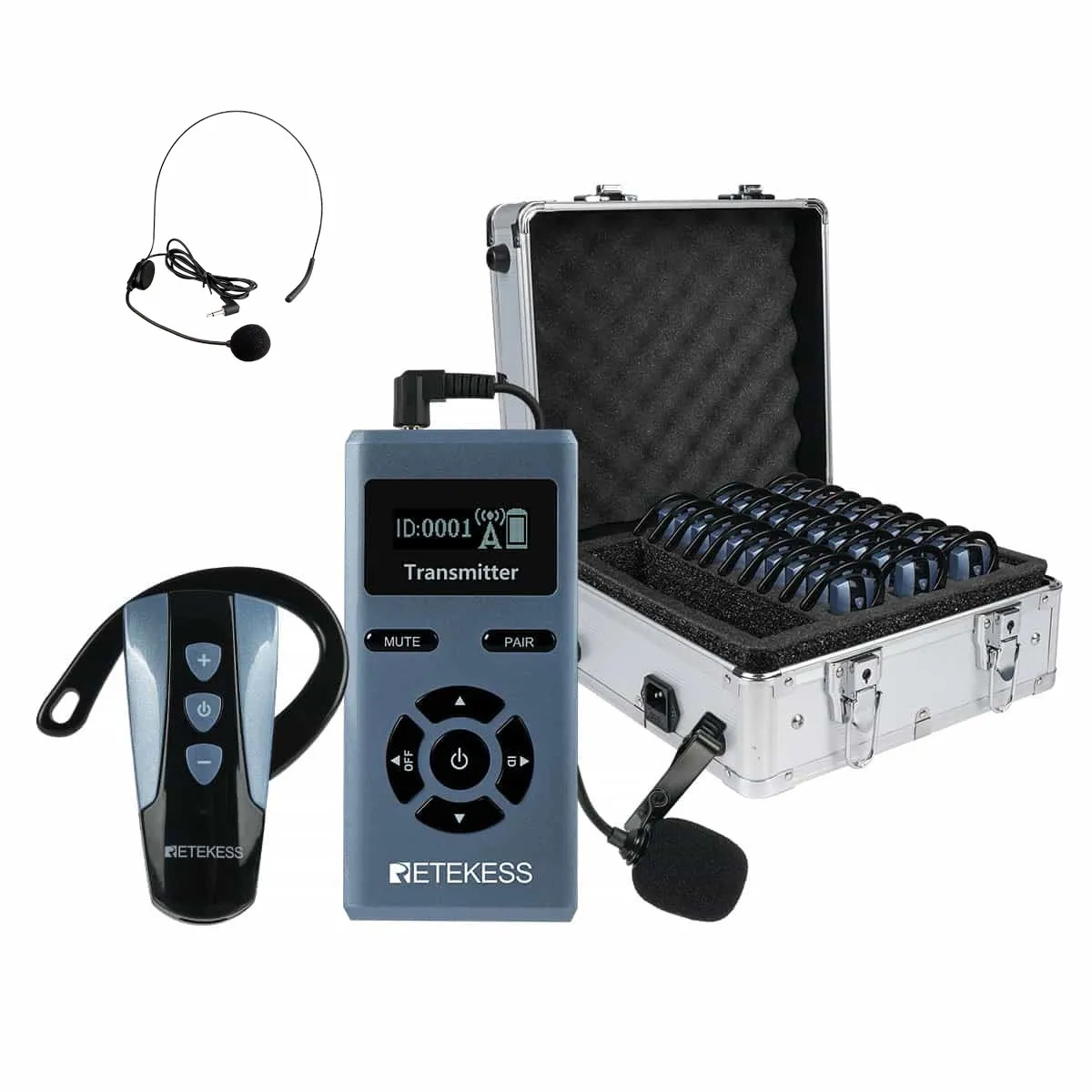
Retekess offers two upgraded transmitter options that pair with the same TA004S headphones. Here's how to choose:
|
Feature
|
TA003P (Handheld)
|
TA003S (Desktop)
|
|
Design
|
Handheld with back-clip
|
Desktop / fixed placement
|
|
Best For
|
Mobile DJs, walking the crowd, outdoor events
|
Fixed DJ booths, studio setups, professional mixers
|
|
Channels
|
6 (US) / 3 (EU)
|
6 (US) / 3 (EU)
|
|
Bluetooth Input
|
✅ Yes
|
✅ Yes
|
|
XLR Input
|
✅ Yes
|
✅ Yes
|
|
Battery
|
2500mAh, swappable
|
Type-C powered
|
|
Battery Life
|
12H (high) / 20H (low)
|
10H (high) / 20H (low)
|
|
Range
|
300–400m
|
300m+
|
|
Charging
|
USB-C + detachable battery
|
USB-C
|
|
Microphone Input
|
✅ 3.5mm
|
✅ 3.5mm
|
- For beach parties, we recommend the TA003P handheld system. Here's why:
Mobility: The back-clip design lets the host or DJ walk through the crowd, make announcements, and manage the event without being tethered to a table.
Swappable battery: Beach parties often lack reliable power outlets. A hot-swappable battery means zero downtime.
Extended range: 300–400m in high-power mode covers even the largest beach venues.
6 channels: More channels = more DJs = more music variety = happier guests.
- If your setup uses a professional mixing console with XLR outputs and the DJ stays in a fixed booth, the TA003S desktop system is the better choice — it's optimized for fixed placement and integrates seamlessly with professional audio equipment.
Step-by-Step: Setting Up Your Beach Silent Disco
Step 1: Identify your power source.
If there are no outlets, you'll need battery-powered transmitters (another point for the TA003P).
Check local noise ordinances and beach curfew times. Silent discos don't produce external noise, but you may still need a permit for gatherings.
Step 2: Assign Channels and DJs
Plan your channel lineup in advance:
|
Channel
|
LED Color
|
Genre / DJ
|
Purpose
|
|
1
|
Red
|
House / EDM
|
Main dance floor
|
|
2
|
Green
|
Hip-Hop / R&B
|
Secondary vibe
|
|
3
|
Blue
|
80s / 90s Throwbacks
|
Crowd-pleaser
|
|
4
|
Yellow
|
Chill / Ambient
|
Recovery zone
|
|
5
|
Purple
|
Live mic / Announcements
|
Event comms
|
|
6
|
Cyan
|
Backup / Guest DJ
|
Flexibility
|
Step 3: Set Up Transmitters (2 Hours Before Doors)
Position transmitters centrally and elevated. Mount on speaker stands at least 2m above ground. Space them 2–3m apart.
Connect audio sources. Each transmitter gets its own DJ laptop, phone, or controller. Use AUX/3.5mm cables for best audio quality, or Bluetooth for convenience.
Set each transmitter to a different channel. Verify the channel number on the digital display.
Power on in high-power mode for maximum beach coverage.
Step 4: Test and Balance (30 Minutes Before Doors)
Power on 5–10 headphones and tune each to every channel.
Walk the entire beach perimeter. Listen for dropouts, static, or crosstalk. Mark dead zones.
Play the same reference track on all channels. Balance transmitter output levels so all channels are within 2–3 dB.
Verify LED colors match channel assignments. Guests rely on color coding to navigate channels.
Step 5: Distribute Headphones
Set up a check-in table with channel guides, sign-out sheets, and ID deposits.
Show each guest how to power on, switch channels, and adjust volume.
Keep 5–10 spare headphones charged and ready for swaps.
Step 6: Monitor During the Event
Walk the floor every 30 minutes. Watch for guests fiddling with channel buttons — that's often a sign of weak signal in their location.
Monitor transmitter battery levels on the digital display.
Keep spare charged batteries ready for hot-swap.
Step 7: Collect and Pack
Collect headphones at the same check-in table.
Reconcile against the sign-out list.
Pack headphones with USB-C cables for charging.
The TA004S's auto shut-off after 10 minutes of no signal, prevents battery drain during collection.

![[18th Anniversary] 18 Years of Echoing Excellence: Making Communication Easier, Connecting Trust Beyond Borders](https://res.retekess.com/z_file/20260716/retekess-brand-story-making-communication-easier_20260716151044_7682.jpg)
![[18 Years in Wireless Communication] Silent Disco Systems Anniversary Celebration: Top-Selling Headphones & Event Mechanics Revealed!](https://res.retekess.com/z_file/20260713/18-years-in-wireless-communication-silent-disco-systems-anniversary-celebration_20260713175011_5749.webp)
![[Anniversary Carnival] Ding-dong! 18th Anniversary Mega Sale on Guest Paging & Calling Systems: Full Reveal of 12+ Products & Promo Rules!](https://res.retekess.com/z_file/20260713/18th-anniversary-mega-sale-on-guest-paging-calling-systems_20260713175257_0295.webp)
![[Retekess 18th Anniversary Teaser] Tour Guide System Exclusive Perks: Sneak Peek at Event Dates & Mechanics!](https://res.retekess.com/z_file/20260713/retekess-18th-anniversary-tour-guide-system-exclusive-perks--2-_20260713180135_6435.webp)


 Google
 Amazon